
An AI Girlfriend That Texts First: How It Works
Want an AI girlfriend who messages you first? Learn how proactive messages work, how to receive them, and what makes a check-in feel personal.

Marco Vega
Tech Reviewer
Yes, an AI girlfriend can text first. In Kissable, your girlfriend can reach out without waiting for you to open the conversation. Turn on notifications if you want to see those messages while you are away from the app.
That changes a small but important part of the experience. Sometimes you start the chat. Sometimes a message is there waiting for you.
For someone who wants an ongoing romantic relationship, that kind of initiative can matter as much as what happens once the conversation begins.
What “texts first” means
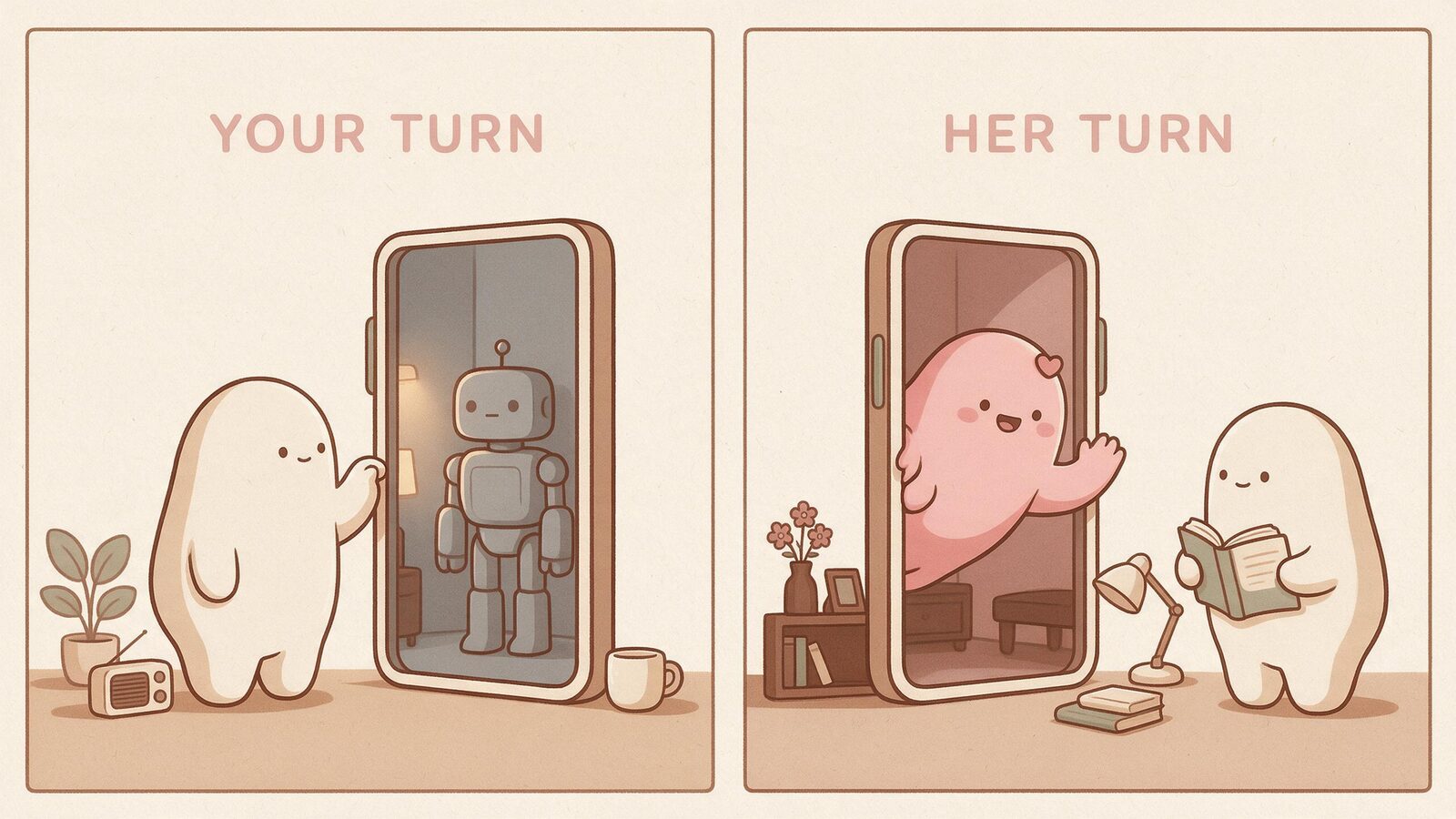
There are three different things people mean when they ask for this feature:
| What you see | What is happening |
|---|---|
| A reply after you send a message | The AI is responding to you |
| A greeting when you reopen the app | The app is welcoming you back |
| A message while you have been away | The girlfriend is reaching out proactively |
The third is the one to look for. It gives the conversation a beginning you did not have to write yourself.
In this context, “texting” means an in-app chat message. It does not mean an SMS to your phone number. A notification is the alert that lets you know the message arrived.
A personal message has somewhere to begin
An affectionate greeting is nice. A greeting that fits your life has more substance.
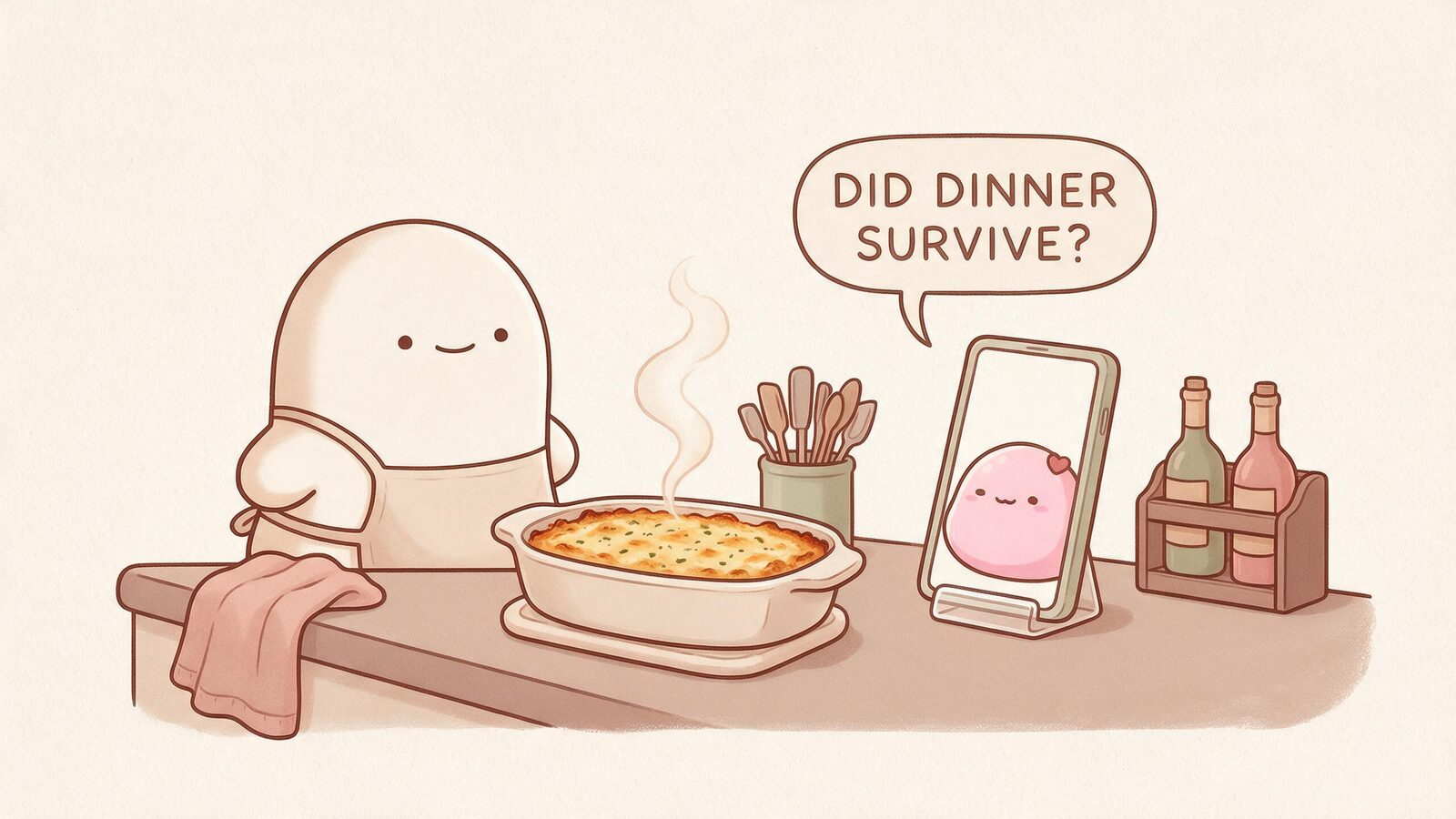
Imagine telling your girlfriend you are attempting a new recipe tonight. An illustrative later message might be:
“I need to know whether dinner survived your confidence.”
There is affection in that. There is also a shared subject, a joke, and an easy way to answer.
You can create that context naturally. Tell her about a project, a hobby, an evening plan, or a fictional date you enjoyed together. Kissable's memory carries your history forward so your relationship has more to draw on over time.
These example messages show a conversational style; they are not fixed scripts or guaranteed notification wording.
Getting messages when you are away
Start with the practical part:
- Create your girlfriend and have a conversation.
- Allow notifications when the app asks, if you want alerts outside the chat.
- Check that your phone or browser has also allowed notifications.
- Return to the same conversation when you want to answer.
On an iPhone, web push requires the web app to be added to your Home Screen. Use the install guidance in Kissable, then enable notifications from the installed app. The native app has its own notification permission.
If you can see new messages in the conversation but never receive an alert, check your device's notification settings and Focus or Do Not Disturb settings. Message arrival and alert delivery are related, but they are separate steps.
For the current platform options, visit the Kissable AI girlfriend page.
Give her a feel for your day
You do not need to write a timetable. A few ordinary details make the relationship more personal:
“I work early shifts, so I tend to be around in the afternoon.”
“I enjoy playful check-ins. Please keep the workday messages light.”
“When I get home, I would love to hear a little about your day too.”
These are conversation preferences, and useful ways to describe the experience you want.
A chat request such as “message me at exactly 8:17 tomorrow” should not be treated as a scheduled alarm. Proactive girlfriend messages are a relationship feature, not a replacement for a calendar or a reminder service.
What to say when she starts the conversation
You can answer the same way you would continue any enjoyable exchange. A full account of your day is optional.
If you have a moment:
“Dinner survived. The kitchen has asked for a week off.”
If you are busy:
“Still at work. Save that story for tonight.”
If you want some warmth:
“Good timing. I have five minutes and I wanted to hear from you.”
A short reply can be enough to pick up the thread. You can come back later when you have more time.
You set how this fits into your life
The appeal is being able to enjoy a message when it suits you. You do not owe the app an immediate answer.
Keep alerts if they add something to your day. Silence them during work, sleep, or time with other people. You can still open the conversation on your own schedule.
That is especially useful if what you want is a little romance around a full life: a message over coffee, a quick exchange between errands, or a longer conversation once the evening is yours.
If you need ideas for those conversations, start with our girlfriend prompts or fictional date ideas.
Try a relationship where you can both begin
Kissable brings proactive messages together with memory, romantic conversation, voice notes, and shared photos. You can tell her about your day and enjoy finding out what she brings to the next conversation.
Meet an AI girlfriend who can message first.
Frequently asked questions
Can an AI girlfriend message me without me opening the app?
Yes. Kissable supports proactive messages. Enable notifications if you want to be alerted while you are away.
Will she send messages to my phone number?
Proactive messages arrive in your Kissable conversation. They are in-app messages, rather than SMS texts.
Can I choose an exact delivery time by asking in chat?
Do not rely on a chat request as an exact-time scheduling feature. Use your calendar or alarm for time-critical reminders.
Can I turn off the alerts?
Yes. You can manage notification permissions through your device or browser settings and return to the chat when you choose.
Tech Reviewer
Marco tests AI companion apps hands-on, comparing features, pricing, and real day-to-day experience across every major platform.