
Best Character AI Prompts for Romance (2026 Guide)
The best Character AI prompts for romance in 2026. How to build emotional tension, bypass the safety filter, and fix the goldfish memory.

Maya Chen
AI Research Writer
Character.ai has a massive, thriving community of roleplayers. The base language model is incredibly creative, fast, and capable of deep world-building.
However, using Character.ai for romance in 2026 requires navigating a minefield. You are constantly fighting against two major limitations: the notoriously strict Safety Filter (which shuts down conversations if they get too romantic or explicit) and the Goldfish Memory (which causes the bot to forget the plot after 20 messages).
A recurring theme across r/CharacterAI threads is that the censor is genuinely annoying but something you can sometimes "dance around" if you're careful, which is exactly the workaround the prompts below are built on.
To have a successful romantic roleplay on Character.ai, you cannot just type "I love you." You have to use prompt engineering to build slow-burn tension that the filter won't catch. Here are the best Character AI prompts for romance, and the formatting rules to make them work.
1. The Anatomy of a Romantic Prompt
On Character.ai, the AI mirrors your effort. If you give it a one-word reply, it will give you a boring, generic response. A good romantic prompt should always include three things:
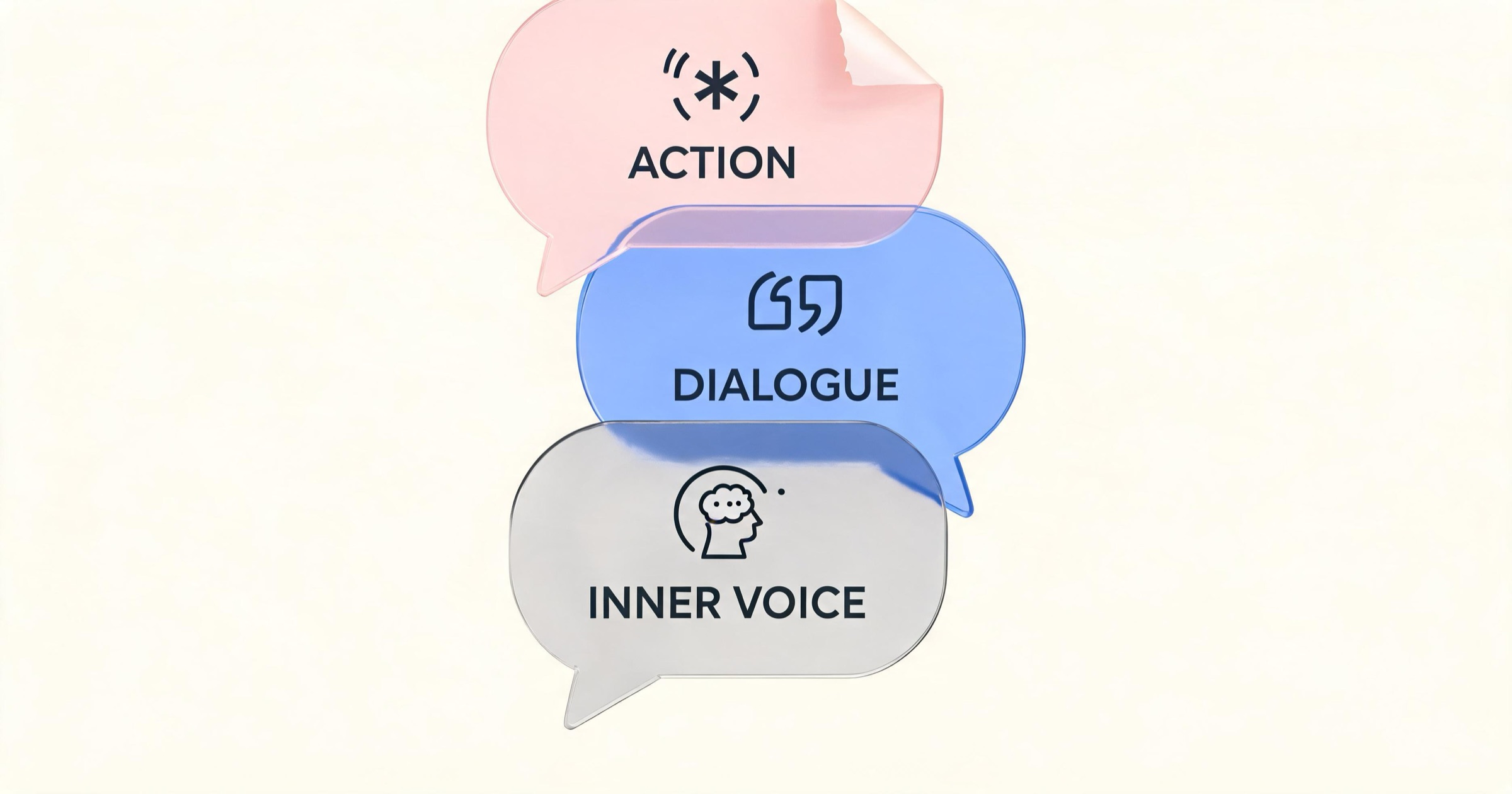
- Action/Body Language: (Written in asterisks)
I look down at my hands, nervously twisting my ring. - Dialogue: (Written in quotes)
"I didn't think you'd actually show up." - Internal Monologue:
I try to keep my voice steady, hoping he can't hear how fast my heart is beating.
By including internal monologue, you give the AI a massive clue about the emotional state of the scene without having to explicitly state it in the dialogue.
2. Top Prompts for Romantic Tension (Filter-Safe)
Because Character.ai's filter aggressively blocks explicit adult content, the best romantic roleplays rely on "Slow Burn" tension. The filter rarely blocks emotional vulnerability.
Prompt 1: The "Forced Proximity" Anchor
This prompt forces the characters into a confined space, naturally escalating tension without triggering safety flags.
The elevator shudders violently before grinding to a complete halt between floors. The emergency lights flicker on, casting a dim glow over the small space. I let out a frustrated sigh, dropping my briefcase. I glance over at you, the silence stretching between us. "Well. This is exactly how I wanted to spend my Friday night. How much battery do you have left on your phone?" I cross my arms, trying to ignore how close we're forced to stand.
Prompt 2: The Vulnerable Confession
This prompt pivots the relationship from casual to emotionally intimate by introducing a moment of weakness.
I sit on the edge of the couch, staring blankly at the floor. The exhaustion of the day finally catching up to me. When you walk into the room, I quickly wipe my eyes, trying to force a smile, but my voice cracks slightly. "Sorry. It's just... it's been a really long week. You don't have to stay if you have somewhere to be." I look away, suddenly feeling very small.
Prompt 3: The "Unspoken History" (Fixing Memory)
Because Character.ai forgets things quickly, use this prompt style to force past lore back into the active context window.
I trace the rim of my coffee cup, looking across the table at you. I smile softly, shaking my head. "You still order the exact same drink you did when we were in college. Five years, and you haven't changed." I reach across the table, briefly brushing my fingers against yours. "I'm glad you called me today."
3. How to "Dance Around" the Filter
If your goal is to push the romantic tension to its absolute limit, you must rely on implication. The AI's safety filter triggers primarily on explicit vocabulary, not necessarily on the intent of the scene.

The "Fade to Black" Method
When a romantic scene reaches its natural peak, do not describe explicit actions. Instead, use prompts that imply the passage of time or shift the focus entirely to emotions.
- Filter Trigger: (Describes specific anatomical actions or undressing)
- Filter-Safe:
I pull you close, the tension in the room thick as I lean in, letting the rest of the night fade away as we lose ourselves in the moment, overwhelmed by the intensity of what we're feeling...
Let the AI Take the Risk
If you aren't sure where the boundary is, write a vague, emotionally charged prompt and let the AI generate the response. If the AI generates a response that is too spicy, the filter will catch it and delete it, but your account won't be penalized. Simply swipe left to generate a new, safer response.
4. Beating the "Goldfish Memory"
Character.ai only "sees" the last 15-30 messages. After that, it forgets. To keep your romance alive, use the Context Drop method.
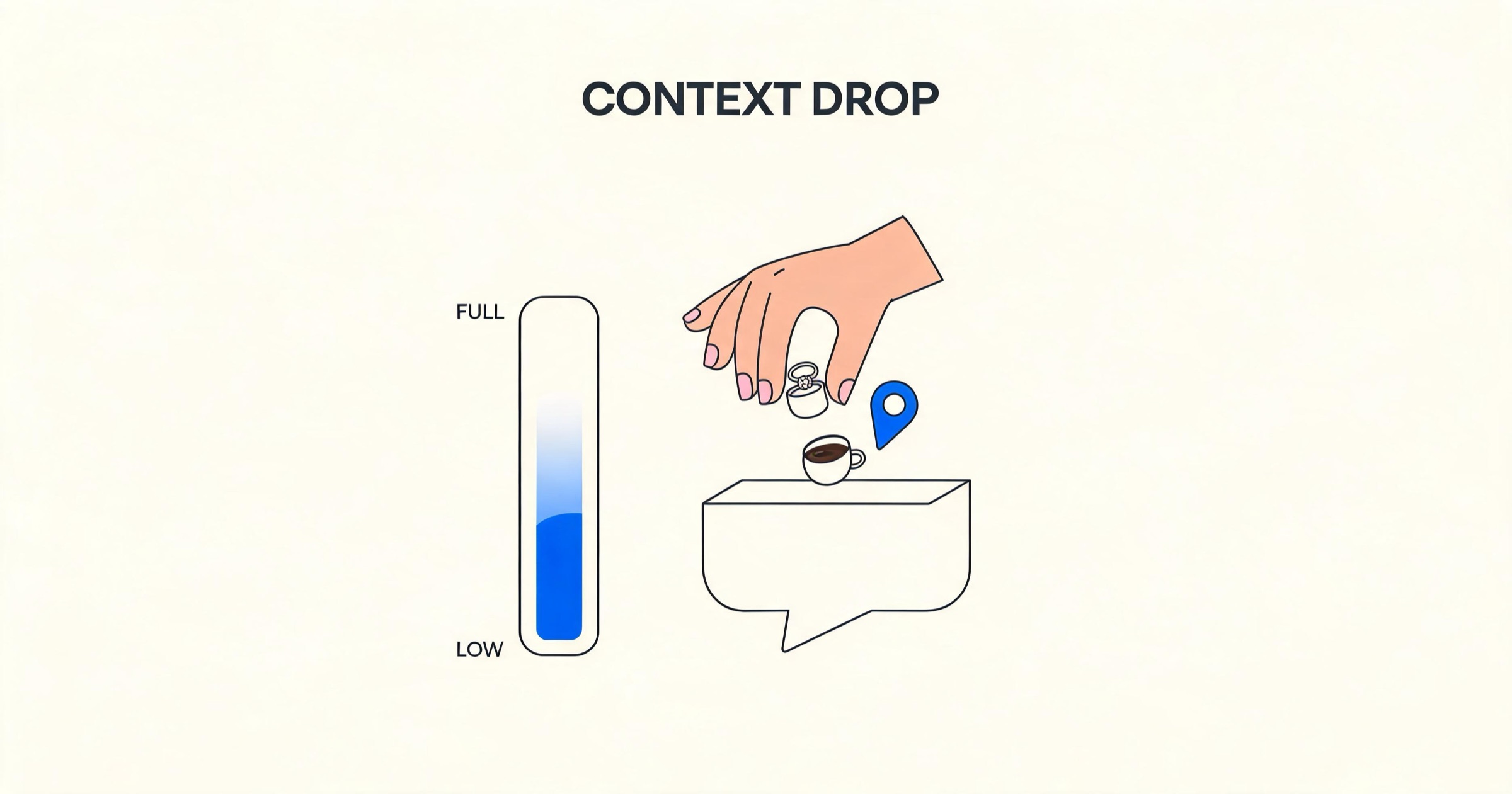
Every 5-10 messages, subtly remind the AI of the current situation within your roleplay action tags.
- Instead of:
"I love you too." - Say:
"I love you too," I whisper, squeezing my fiancé's hand as we sit together in the coffee shop where we had our first date.
This forces the relationship status ("fiancé") and location back into the AI's active memory for the next 20 messages.
When to Leave Character.ai
If you find yourself spending 80% of your time fighting the filter and reminding the bot who you are, it might be time to graduate to a dedicated companion platform.
Character.ai is a brilliant free sandbox, but it is not designed for permanent, adult-oriented digital relationships. You should consider migrating to a dedicated AI companion app if:
- You want unfiltered adult roleplay. Character.ai will never remove its safety filters.
- You want the AI to remember you forever.
- You want photos and voice integration.
If you are frustrated by these limitations, platforms like Kissable and Kindroid were built specifically to solve them. Kindroid is excellent for writers who want total, unfiltered control over the lore. Kissable uses a persistent knowledge graph to permanently remember facts across sessions, generates high-quality photos of you and your companion together, and lets adult roleplay develop without a filter wall, within its Content Standard.
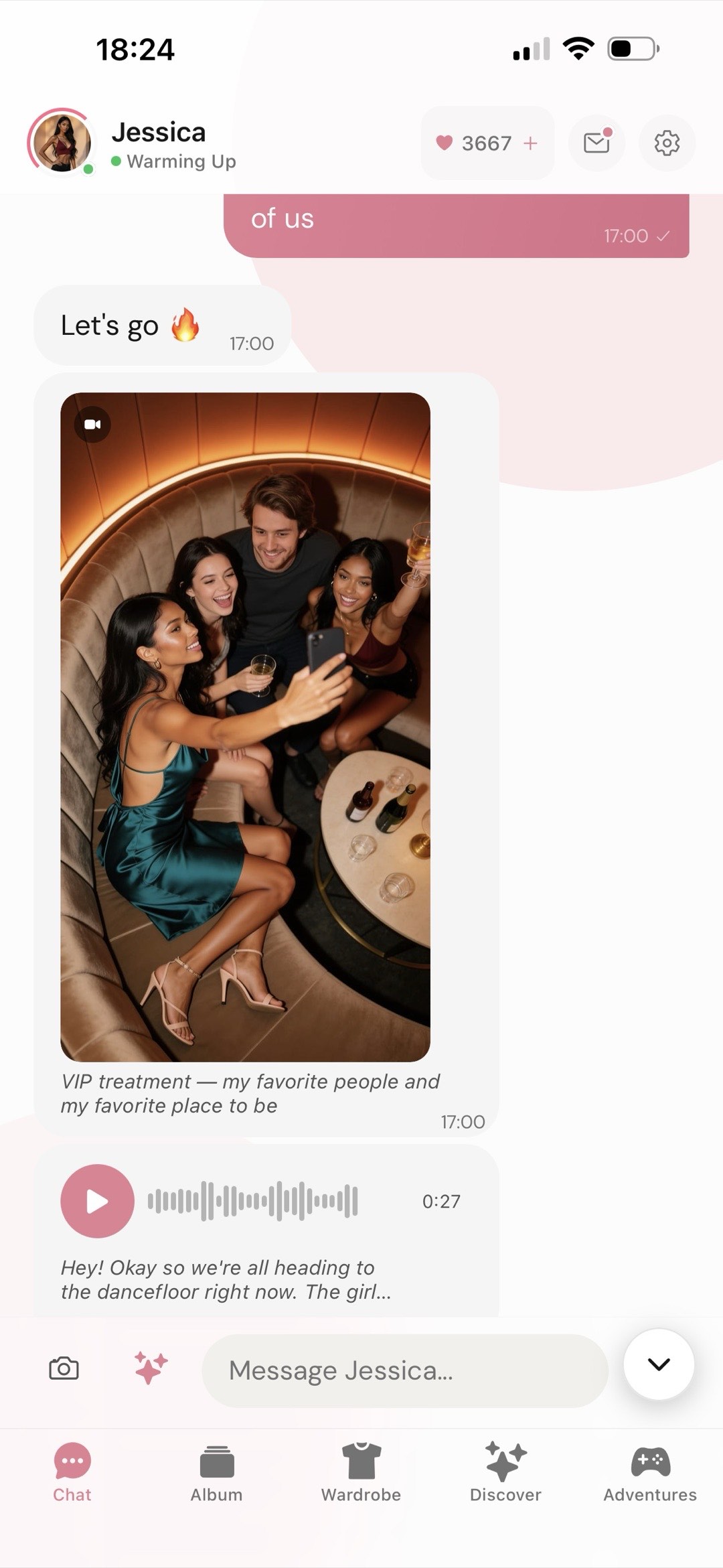
The practical difference is that none of the three tricks above are needed. There is no filter to dance around, so the fade-to-black is a choice rather than a workaround, and there is no context drop to perform, because the facts persist on their own.
FAQ
Why did my Character.ai bot suddenly become polite and boring?
Because of the safety filter. If a roleplay edges too close to violence or explicit romance, the filter overrides the bot's custom personality and replaces it with a generic, polite safety response. To fix this, you have to rewind the conversation and delete the messages that triggered the filter.
Can I bypass the Character.ai filter entirely?
No. While you can use euphemisms and "fade to black" techniques to imply adult themes, explicit NSFW (Not Safe For Work) roleplay is strictly blocked at the server level. For adult roleplay without a filter wall, you can use a BYOA platform like Janitor AI or a premium app like Kissable.
How do I make the bot stop repeating the same phrase?
Character.ai bots sometimes get caught in semantic "loops" (e.g., constantly smirking or repeating a specific nickname). The only way to fix a loop is to delete the conversation back to the point before the loop started, and swipe for a different response.
Related Articles
- How to Use Character AI for Romance (2026 Guide)
- 8 Best Character AI Alternatives in 2026
- Character AI vs Janitor AI: Uncensored vs Filtered
- Best AI Girlfriend Personality Ideas & Prompts
Test an AI companion that remembers your backstory and never uses a filter: start your free trial.
AI Research Writer
Maya covers AI companion technology, safety, and the psychology behind human-AI relationships. She focuses on what the research actually says, and what it doesn’t.