
AI Boyfriend Voice Messages: What to Look For Before You Subscribe
Compare AI boyfriend voice messages, live calls, and fixed clips. Use a practical checklist for context, listening controls, and costs before subscribing.

Marco Vega
Tech Reviewer
AI boyfriend voice messages are audio clips you can listen to within a conversation. Before subscribing, check whether the feature means generated voice notes, fixed audio clips, or a live call mode. These formats offer different experiences, and the word “voice” alone does not tell you which one you are buying.
This guide covers the specific things worth checking before you subscribe: voice delivery type, consistency, context relevance, listening controls, latency, privacy settings, and how media allowances work. It is a practical checklist, not a ranked list.
The core question to ask any app you evaluate: Is the voice generated fresh from the conversation, or is it pulled from a library of clips?
The Three Types of Voice in AI Companion Apps
Three delivery models are useful to distinguish when reading a feature list. Check the documentation or try the feature to find out which model a particular app offers.
Generated voice notes
The app synthesizes a fresh audio clip from the text your companion would have sent. The voice is produced by a text-to-speech model, so the words match the character's response in that moment. Quality varies by the underlying model and the voice profile selected. When this works well, the message sounds like it came from one specific person responding to your specific conversation. When it does not, the synthesis can sound robotic or the tone can shift between messages.
Live voice calls
A live call mode lets you exchange spoken turns in an ongoing session. It is a distinct feature from sending an audio clip. If calls matter to you, look for an explicit description or demonstration of a call mode before subscribing.
Prerecorded audio clips
An app can also play fixed recordings selected from a library. The selection may be relevant to the conversation, but the words in each recording are fixed. This describes a possible delivery mechanism; it is not a finding about any particular app.
Why this distinction matters: A prerecorded clip is unlikely to reflect specific details from your conversation. A generated voice note is designed to. If context-aware voice is what you want, confirm which delivery model the app uses before subscribing.
Six Things to Check Before You Subscribe
Use the same checks across the apps you are considering, and record what you actually hear.
1\. Voice consistency across conversations
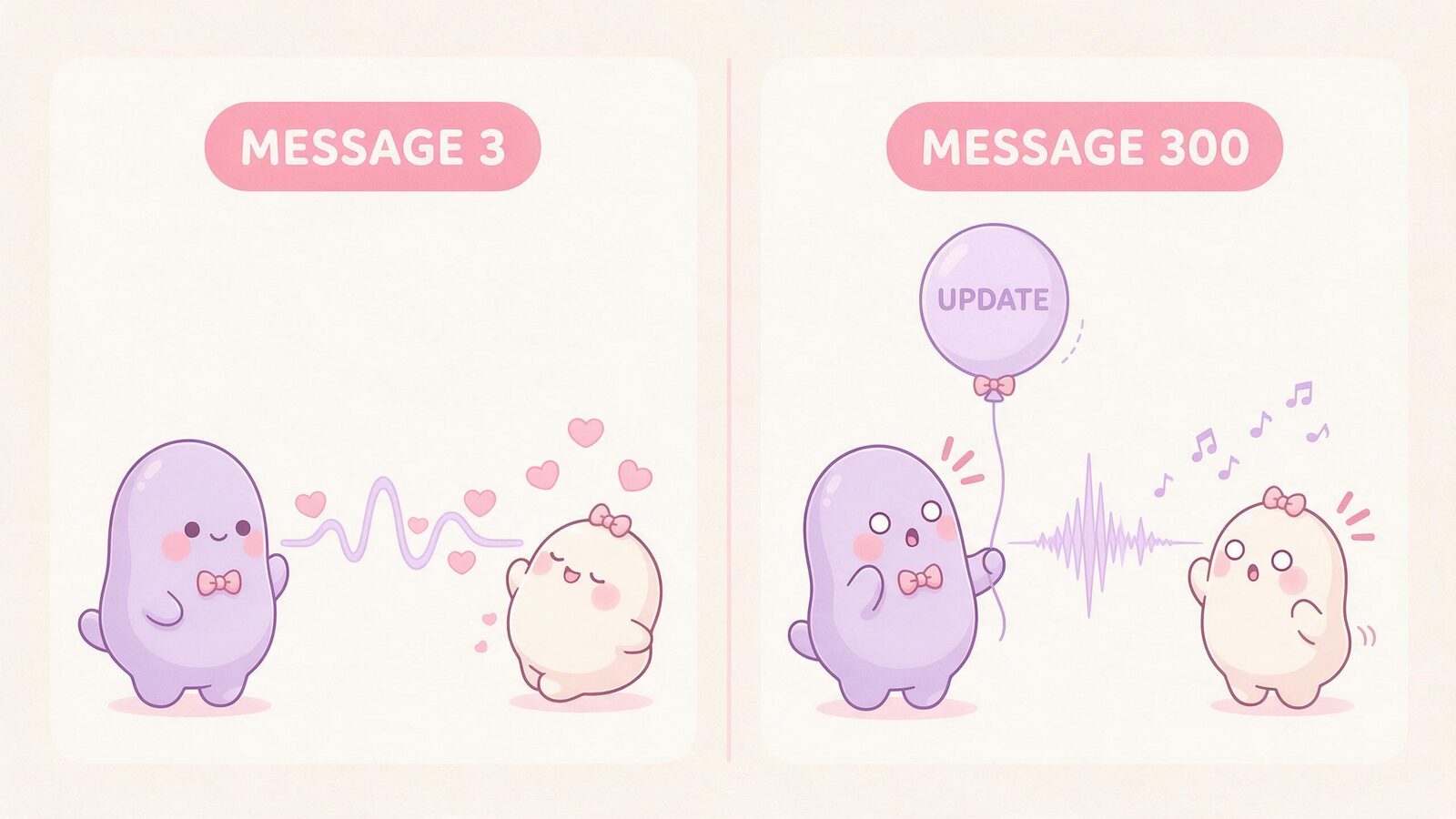
Does the companion sound like the same person in message 3 and message 300? A voice profile, synthesis settings, or a model update can affect how a character sounds; the sound alone does not tell you which part changed. Check the app's community or support channels to see whether voice profiles have remained stable across updates.
2\. Context relevance
A useful test: introduce a specific, unusual detail early in the conversation and listen to whether subsequent voice responses reflect it. A freshly generated note is more likely to incorporate it; a prerecorded clip is not. That said, a single test cannot conclusively identify the underlying architecture, since a clip library could happen to contain a matching phrase. Consistent relevance across multiple exchanges gives you a clearer picture.

Hypothetical check: Introduce an unusual fictional detail: “For this story, our café is called Moonlit Marmalade.” Later ask, “What did we name our café?” An audio reply using the correct name demonstrates relevance on that exchange. It does not prove long-term recall or identify the audio system behind the response.
3\. Listening controls and transcripts
Can you replay a voice note? Can you slow it down? Is there a transcript available if you are in a noisy environment or have a hearing preference? These are basic accessibility and usability features that are worth confirming. Availability differs, so check each control in the actual app.
4\. Latency and delivery timing
For voice notes sent asynchronously, latency is less of a concern. If the app promises near-real-time voice or a live call mode, check community feedback on actual synthesis times. What feels acceptable varies by user and use case, so look for real-world reports rather than relying on marketing language.
5\. Privacy settings and data handling
Voice synthesis requires the app to process text and generate audio, which means your conversation content is involved in that pipeline. Check whether the app's privacy policy covers voice data specifically: is it stored, for how long, and can you delete it? This is especially relevant if your conversations are personal or explicit.
6\. Media allowances and how voice is gated
Voice messages may use a currency, credit system, or tier-specific allowance. Understand exactly what your subscription tier includes before you commit.
- Does voice require a separate add-on purchase?
- Is there a daily or monthly cap on voice messages?
- Are voice notes included in the base subscription or priced per message?
- What happens when you run out of credits mid-conversation?
Comparison Checklist: Questions to Ask Any App
Use this table as a reference when evaluating any AI boyfriend app that advertises voice features. Use the app's current feature list and checkout terms, then compare those promises with what its trial actually lets you do.
| Evaluation Point | What to Look For | Red Flag |
|---|---|---|
| Voice delivery type | Generated synthesis vs prerecorded clips vs live call | "Voice messages" with no technical detail |
| Context relevance | Voice reflects the current conversation | Generic responses unrelated to what you said |
| Voice consistency | Same voice profile across sessions and updates | Voice changes after app updates |
| Listening controls | Replay, speed adjustment, transcript option | Audio-only with no text fallback |
| Latency (live calls) | Community-reported real-world performance | Promises of "instant" with no specifics |
| Privacy policy | Voice/audio data explicitly addressed | No mention of voice data in privacy terms |
| Media gating | Clear explanation of what subscription includes | "Unlimited" language with fine-print caps |
| Cancellation terms | Easy cancellation, no hidden renewal traps | Difficult cancellation or auto-renew surprises |
The goal is not to find a perfect app. It is to find one where the voice feature actually matches what was advertised, and where the pricing structure is honest about what you are getting.
How Kissable Approaches Voice and Media
Kissable is a personalized AI companion platform where users create fictional characters designed for deep, ongoing connection. A companion on Kissable can be a boyfriend, girlfriend, or friend, and the relationship is built through text conversations, generated voice messages, context-aware photos, generated video clips, and interactive Adventures.
What the platform includes
- Text conversations supported by persistent context, with recall that can still be incomplete or wrong
- Generated voice messages synthesized from the conversation, not pulled from a clip library
- Generated photos using character references, with results that can vary
- Generated video clips alongside the text and photo experience
- Adventures, which are structured interactive story experiences with your companion
Kissable does not offer live video calls. Voice messages are part of the media experience, not a live call feature.
How media allowances work
Voice messages, photos, and video clips on Kissable use a credit called Kisses. A subscription does not mean unlimited media. The amount of media available depends on your subscription tier and any additional Kisses you add. This is worth understanding before you subscribe.
For current details on what each plan includes, review the Kissable features page, pricing page, and the cost shown in the app before generating media.
Why the fictional companion model matters for voice
Because each companion is a persistent fictional character with an established personality and voice profile, the generated voice messages are tied to that specific character rather than a generic synthesized voice.
For a broader look at the voice and photo experience across companion types, see AI girlfriend voice messages and pictures: what the experience actually looks like.
Frequently Asked Questions
What is the difference between an AI boyfriend voice note and a live AI call?
A voice note is a generated audio clip sent as part of the conversation, similar to a voice message you would receive in a messaging app. A live call is a distinct, real-time feature. These are not the same thing, and many apps offer one but not the other. The voice messages described in this guide are asynchronous; users who specifically want live call functionality should check an app's current feature list before subscribing.
Can AI voice messages actually reference things I said earlier in the conversation?
With generated synthesis, it depends on whether the app's language model has access to conversation history and whether the voice is synthesized from that response. A fixed clip may be selected to fit the context, but its wording cannot adapt beyond the available recordings. Even a generated response can forget or misstate an earlier detail. Confirming the delivery model before subscribing is the most useful pre-purchase step.
Are voice messages included in every subscription tier?
Not always. Voice access can depend on the tier, a credit system, or a separate purchase. Read the pricing page carefully and look for any mention of caps or credits before subscribing.
Is it worth paying more for voice features in an AI companion app?
That depends on whether voice is central to how you want to experience the relationship. For some users, hearing the companion matters significantly. For others, text is enough. The checklist in this guide can help you assess whether the voice features on offer justify the price difference.
Before subscribing to any app, run through the checklist above: confirm the delivery type, test context relevance, understand the credit model, and read the privacy terms for audio data. A pleasant voice and a contextually accurate answer are separate things to evaluate.
Our guide to finding the best AI boyfriend app covers what to weigh when evaluating the full feature set, and the most realistic AI boyfriend apps breaks down what realism means in this context.
Ready to meet a companion built for long-term connection? Try Kissable and see how voice messages, photos, and Adventures work together in a single relationship.
Tech Reviewer
Marco tests AI companion apps hands-on, comparing features, pricing, and real day-to-day experience across every major platform.