
AI Girlfriend Video with Sound: Speech, Lip Sync, and Voice Notes Explained
AI girlfriend video with sound explained: compare background audio, speech inside a clip, and separate voice notes, with checks for voice identity and lip sync.

Marco Vega
Tech Reviewer
By the Kissable Team
An AI girlfriend video can have sound without the character speaking. The audio might be music, environmental noise, spoken dialogue inside the clip, or a separate voice message sent alongside it. Before paying for “video with sound,” check which experience the app actually provides.
Two other questions matter: does the voice sound like the same character you hear elsewhere, and do the visible mouth movements match the speech? Voice identity, synchronization, and conversational relevance are separate qualities. A convincing result in one does not establish the others.
This guide focuses on the audio layer. For the broader distinction between generated clips and interactive call modes, see our AI girlfriend video guide.
Three Different Meanings of “Sound”
Background or environmental audio
Music, rain, street noise, or room ambience can establish a setting without containing spoken words. A character might smile or move her mouth while no intelligible dialogue is present. That can be an enjoyable clip, but it does not meet a request to hear her say a particular line.
Do not use a speaker icon as proof of speech. It shows that playback has an audio control, not what the track contains. Listen to a sample with the sound enabled.
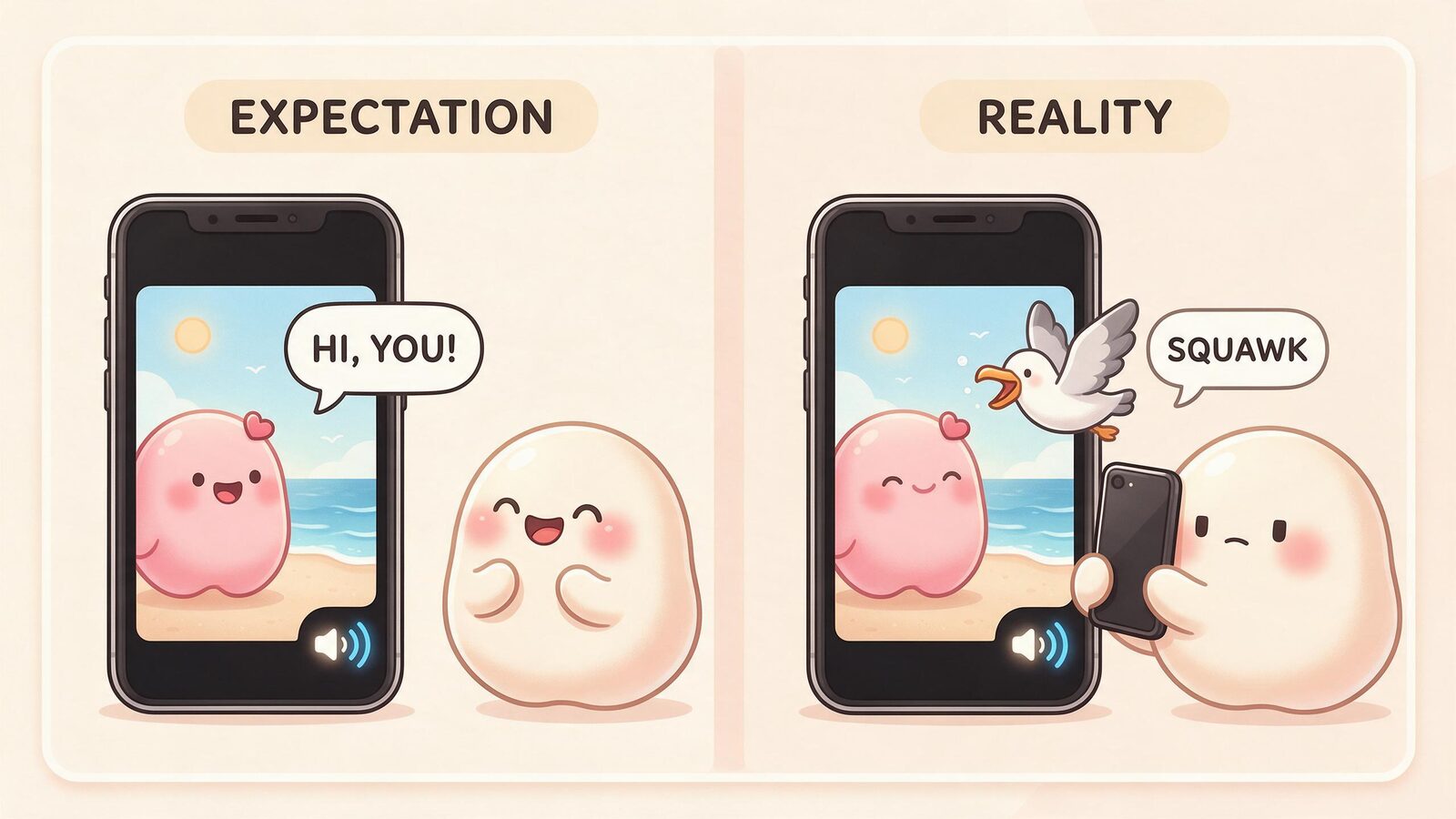
Speech inside the video
Here, spoken words are part of the video’s audio track. They may be generated together with the visual sequence or added through a separate process. The output alone does not tell you which architecture was used.
If a face is visible, look at whether the mouth movements fit the timing of the words. Correct timing at the start can still drift later. A clear voice can sound good even when the visual match is poor.
A separate voice note
A voice note is its own audio message. It can accompany a video in the same conversation without becoming speech inside that video. You might play the clip and then listen to a separate comment about it.
That is a valid messaging experience, but it should be evaluated as two pieces of media. Sending them together does not automatically synchronize them, and a separate voice note is not inherently more expressive or higher quality.
| Format | What to listen for | What to check visually | What it does not establish |
|---|---|---|---|
| Background audio | Music, ambience, sound effects | Whether the scene fits the sounds | Spoken dialogue |
| Speech in the clip | Intelligible words in the video track | Mouth timing, if a speaking face is visible | A live conversation |
| Separate voice note | A distinct audio message | Whether it is clearly a separate item | Speech synchronized inside the video |
An app may offer more than one format. Check the particular mode you intend to use, because one example does not prove that every video includes the same audio features.
Voice Identity and Lip Sync Are Different Checks
Voice identity concerns how the character sounds: accent, timbre, pitch, and characteristic delivery. Expression can change from playful to quiet while the underlying voice remains recognizable. Conversely, two clips can both sound natural while sounding like different characters.
Lip sync concerns the relationship between visible movement and audible speech. A video can preserve a face well yet show a mouth that moves at the wrong time. A synchronized mouth does not prove that the words reflect the conversation.
Compare a video with an ordinary voice note if both are available. Listen for continuity, then judge the synchronization separately. There is no need to infer which speech engine was used or rank systems by technical labels that you cannot verify.
A useful review records what happened: “the first words begin before the mouth opens,” or “the voice has a different accent from the earlier note.” Those observations are more concrete than declaring an entire model defective from one clip.
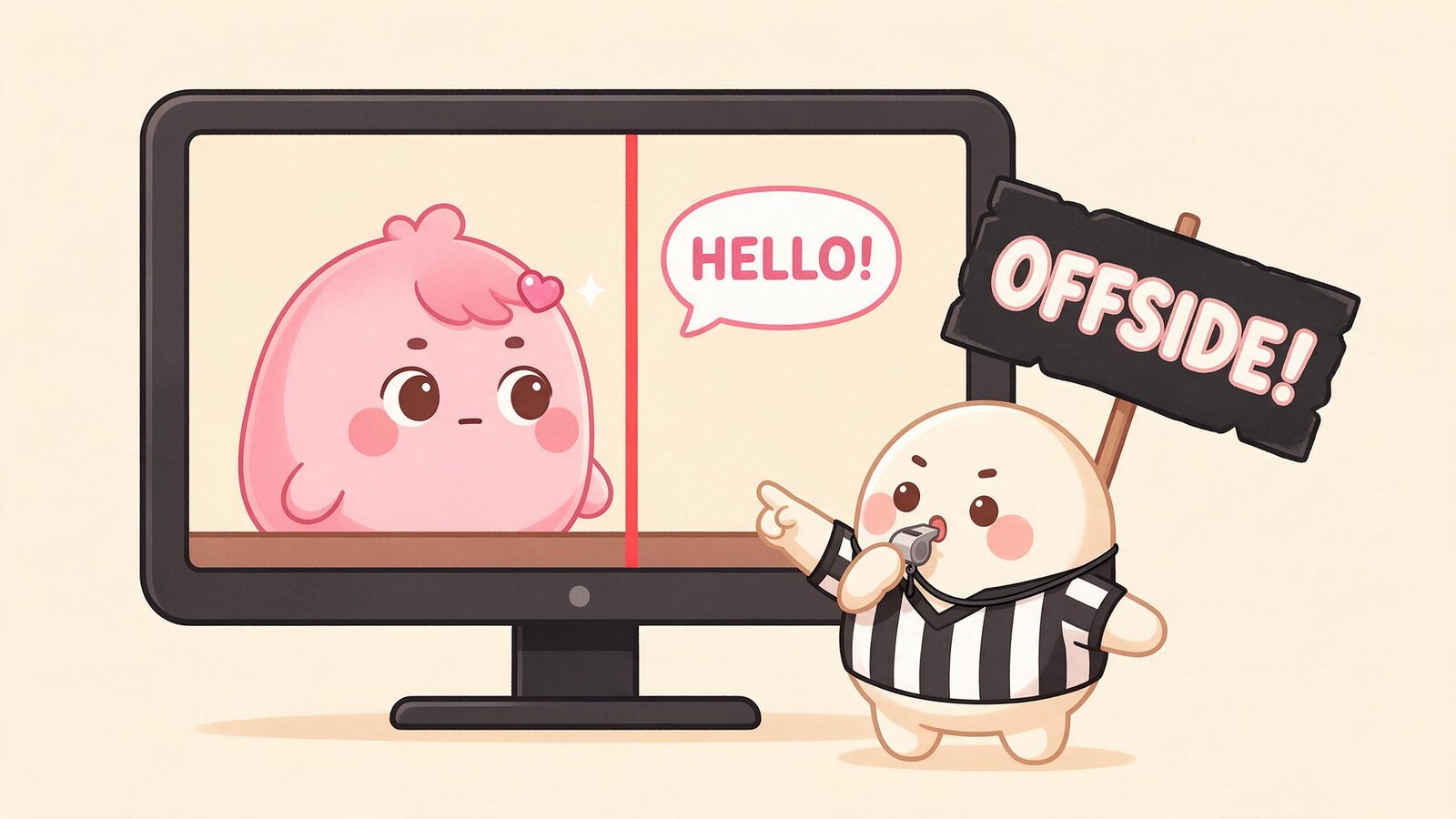
A Hypothetical Listening Check
The following is an unrun exercise, not a report of Kissable or competitor results. Use a short fictional line only where the app allows you to request spoken content, such as “Our café is called Moonlit Marmalade.”
- Find the audio. Is it part of the video, a separate message, or background sound without dialogue?
- Listen to the words. Does the speech contain the requested line, a paraphrase, or something unrelated?
- Listen to the voice. Does it sound consistent with the character’s other available voice messages?
- Watch the timing. If the character is visibly speaking, does mouth movement begin and stop with the audio? Does the match change during the clip?
- Check the context. Does the scene belong to the fictional café you described, or is it a generic setting?
Keep the result and your notes. If you try again, keep the first attempt too. A single attractive example is a demonstration of that output, not a reliability score.
Some clips do not show a speaking face, so lip sync may be irrelevant. A shot of a café window with a spoken voiceover should be judged as a voiceover, not marked wrong because no mouth is visible.
What to Verify Before Subscribing
Start with the app’s current feature description, an actual sample, and the price or generation quote shown to you. A sample should demonstrate the feature you want, rather than merely share a similar name.
Format: Ask whether “sound” includes dialogue. Check whether speech plays within the video file or as a separate voice message.
Control: Can you request words or only a general scene? Can you replay, mute, or view a transcript? These are features to check, not assumptions about every app.
Continuity: Does the voice remain recognizable across the formats you use? Does a clip respond to the current conversation? Judge those separately from image quality.
Duration and cost: Read the available duration options and the displayed charge for the selected mode. Do not assume that all clips have one fixed length or that a subscription includes unlimited generation. A longer clip may have different pricing, but the product’s current quote is the relevant source.
Interaction: A generated clip is something you play back. A live call accepts input during an ongoing session. A realistic face, a call-shaped interface, or audio attached to a video does not by itself establish live interaction. Check the specific app’s current capabilities instead of relying on a category-wide claim.
Where Kissable Fits
Kissable is an AI companion app for adults on iOS and web, with customizable fictional characters, text conversations, generated voice messages, photos, video clips, and Adventures. Voice messages and generated video are distinct features; their presence should not be read as a promise that every clip contains synchronized dialogue.
For the current experience, check Kissable’s features and the options shown in your app. If synchronized speech is your deciding feature, verify it in the mode you plan to use before assuming it is included.
Generated media uses Kisses. Review the current pricing information and the generation quote rather than relying on an old allowance, a fixed clip-duration claim, or an assumption of unlimited media.
Our voice feature guide and voice messages and pictures guide cover the surrounding conversation experience.
Frequently Asked Questions
Does “video with audio” mean the character speaks?
No. The audio may be ambience or music. Listen to a sample and check whether actual words appear in the video track.
Is a voice note the same as a talking video?
No. A voice note is an audio message. A talking video contains speech within the clip; if a speaking face is shown, synchronization is another quality to evaluate.
Can an app offer live calls as well as generated clips?
Those are separate capabilities, and a product could offer both. Check the current feature description and an actual demonstration of the mode you want. This guide does not claim that all companion apps support or lack calls.
Does a better voice guarantee better lip sync?
No. Clear, expressive audio and matching mouth movement are separate properties. Compare the same output on both dimensions rather than assuming one from the other.
Explore voice messages and generated media in Kissable, with a clear idea of which audio experience matters to you.
Tech Reviewer
Marco tests AI companion apps hands-on, comparing features, pricing, and real day-to-day experience across every major platform.