
The Timing of a Conversation: What Turn-Taking Research Can Teach AI Companions
Review spoken turn-taking, voice prediction, and mobile typing research, then explore a timing worksheet and the design behind Kissable ReplyBeat.

Maya Chen
AI Research Writer
The right timing for an AI conversation depends on the medium. Live speech requires turn coordination. A voice message needs understandable delivery and playback. Text needs readable pacing and responsiveness to new input. Evidence from one setting does not automatically prescribe a delay in another.
This review connects three areas of research to an original timing worksheet and a proposed usability study. It also explains ReplyBeat, Kissable's conversational pacing technology: message grouping and length-sensitive delivery. In this series, Attunara is our name for the orchestration of context, character, delivery, and scenes. ReplyBeat concerns how a response arrives, as well as what it says.
The cited studies are research evidence. The timing examples below are invented illustrations, and the proposed evaluation has not been run.
What three studies can tell us
Spoken turn-taking is a coordination problem
Stivers et al., PNAS 2009. Researchers examined question–response transitions in recorded informal conversations across ten languages. They found broad avoidance of overlapping talk and long silences, alongside differences in response timing between languages. This is observational evidence about spoken interaction in the sampled settings. It neither prescribes a universal 200-millisecond chatbot response deadline nor tests asynchronous messaging or artificial typing indicators. The relevant lesson is to study timing in its interactional context. Turn-taking study.
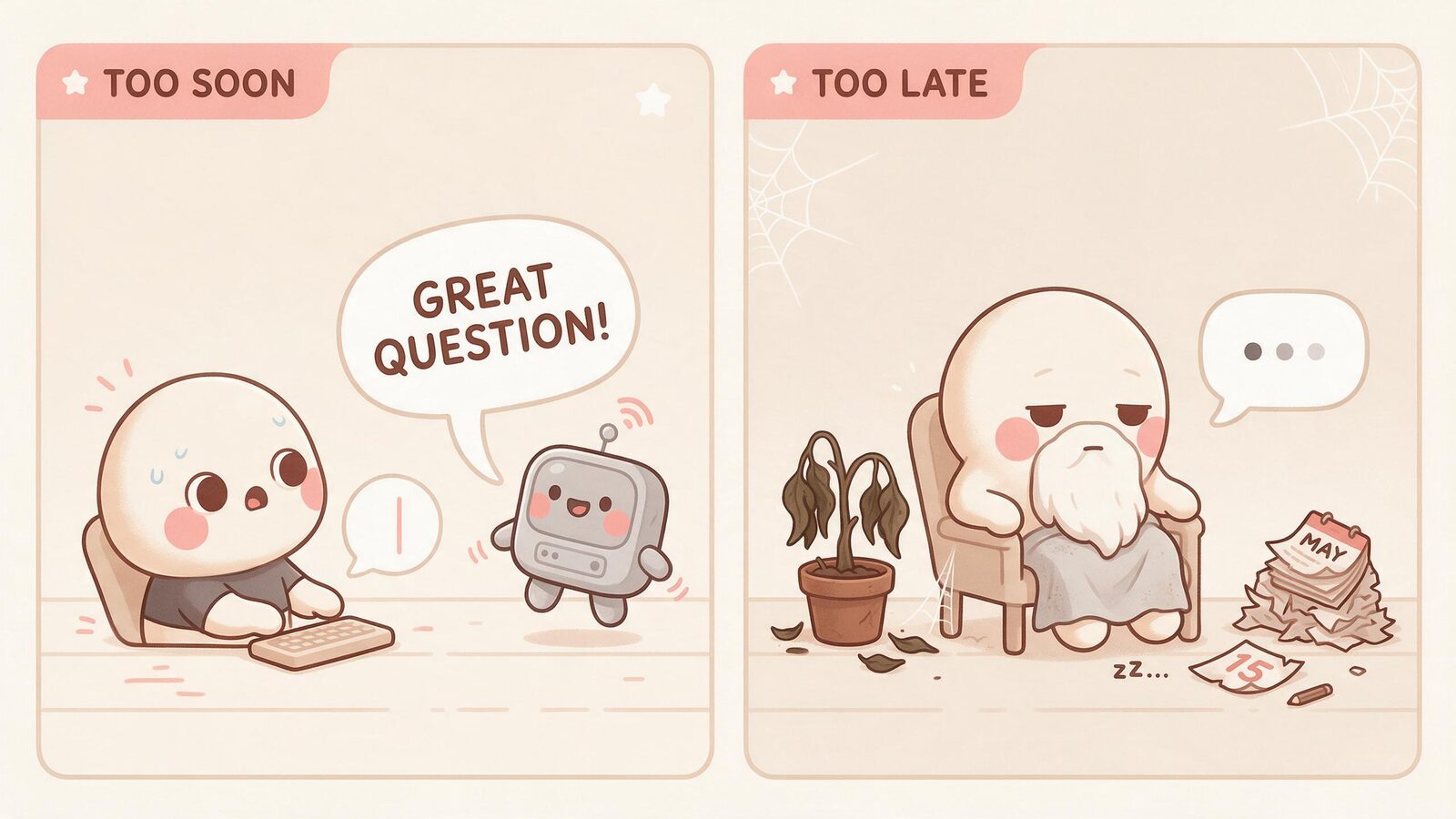
Predicting speech activity differs from waiting for silence
Ekstedt and Skantze, INTERSPEECH 2022. Voice Activity Projection learns to predict future speech activity and evaluates four tasks involving turn shifts and brief listener responses. Its discrete formulation models dependencies across the prediction window and improves selected comparisons with prior approaches. These are prediction results, not a demonstration of user satisfaction in a deployed companion. The paper concerns spoken interaction; it does not establish that a text-delivery system uses this model or supports live calls. Voice Activity Projection.
Mobile typing speed is not an ideal AI delay
Palin et al., MobileHCI 2019. A mobile transcription study with 37,370 volunteers reported an average of 36.2 words per minute. Participants copied supplied text, and the volunteer sample was self-selected. Composing a personal message involves a different task, while reading a generated response is different again. The study offers measured text-entry behavior, not evidence that an AI should simulate those speeds or that longer waits improve connection. Mobile typing study.
Separate the three user experiences
A natural-feeling interaction depends partly on whether the interface meets the user's expectations for that medium. Our analysis begins by keeping those expectations distinct.
| Medium | What the user is doing | Timing question worth testing | Common evaluation mistake |
|---|---|---|---|
| Live spoken exchange | Speaking, listening, and taking turns | Does the system yield and resume appropriately? | Treating a low average response delay as sufficient |
| Asynchronous voice message | Waiting for a clip and choosing when to play it | Is the message available and easy to listen to? | Applying live turn-taking thresholds to clip delivery |
| Text conversation | Reading, composing, or interrupting with new input | Does pacing remain responsive and readable? | Assuming a longer typing animation feels more human |
A short pause can be unremarkable in one setting and disruptive in another. A long response may benefit from readable divisions, but dividing it into many bubbles can also produce notification clutter or make it harder to refer back to a sentence. Those are usability questions to investigate, not benefits guaranteed by splitting text.
The same applies to timing variability. Variation can prevent a mechanical pattern, yet unexplained waiting can feel like a stalled interface. The desirable outcome is an understandable conversation, not a convincing simulation of a person refusing to answer.
A timestamp worksheet for the whole path
When someone says a response was slow, several stages may be responsible. Capture events rather than guessing from the animation.
The following is an illustrative timeline, measured in milliseconds from a fictional send action. It is not a Kissable trace, a service target, or a model benchmark.
| Time | Event | What it establishes |
|---|---|---|
| 0 | User presses Send | Start of the user's wait |
| 50 | Request reaches the server | Request transit took 50 ms in this example |
| 1,250 | Response content is ready | Server-side work since arrival took 1,200 ms |
| 1,300 | Client receives the prepared content | Return transit added 50 ms |
| 1,500 | First response bubble becomes visible | First visible response took 1,500 ms overall |
| 2,200 | Final response bubble becomes visible | Complete display took 2,200 ms overall |
The display intervals overlap neither the invented transit intervals nor the server interval in this particular example. Real streaming systems may overlap work across stages. Their durations should not be added as if every stage were strictly sequential.
This distinction helps avoid a common diagnosis error: an indicator that lasts two seconds does not prove the model spent two seconds generating. Conversely, an instant indicator can coexist with a long wait for useful content.
For an actual trace, record a consistent clock or account for clock differences between devices and servers. Include the version, network conditions, foreground state, content length, and whether the reply streamed. Without those conditions, comparing two timing captures can misattribute network or device behavior to the conversation design.
What ReplyBeat describes
ReplyBeat is Kissable's conversational pacing design: it groups messages and uses length-sensitive timing for readable delivery. The inspected implementation splits and schedules messages, uses length-sensitive typing time, and accounts for generation latency when determining additional waiting. It includes configuration controls, so source code is not a measurement of every current account or client.
A useful way to explain the design is “a conversation with room to breathe.” The mechanism beneath that line is more concrete: the system considers the length and delivery of the response rather than assigning every message the same visible pause.
That explanation does not make a typing indicator a view into an AI's thoughts or feelings. It also does not imply a user-adjustable pacing slider, a live voice-call capability, or use of the speech-prediction method reviewed above. Those are separate features and engineering choices.
ReplyBeat belongs alongside Crosslink Recall and SceneCarry because delivery can interrupt an otherwise coherent interaction. If a user sends a correction while several bubbles are queued, the product needs sensible behavior for what happens next. A response that arrives in readable pieces should still remain responsive to the user's direction.
A proposed study that could distinguish the effects
To evaluate pacing, keep the response content and bubble structure fixed while varying the delivery schedule. If you change the wording, length, number of bubbles, and delay together, a preference cannot be attributed to timing alone.
A useful initial design crosses two factors: a fast versus slower underlying generation condition, and immediate versus length-sensitive scheduled delivery. The same scripted conversation can appear in all four conditions. Counterbalance their order so the last or most familiar example does not always belong to the same condition.
This is a proposed formative study, not an executed experiment. A small consenting-adult pilot can identify confusing behaviors and improve the tasks. Its results would not by themselves establish population-wide preferences or changes in relationship quality.
| Outcome | Suggested observation | Why it deserves a separate measure |
|---|---|---|
| Responsiveness | First useful visible content and user rating | A quick animation may still conceal a slow answer |
| Readability | Whether participants can follow and refer back to the reply | Fast completion can overwhelm; slow display can fragment |
| Interruption handling | Behavior after new user input arrives | A queued reply may no longer fit the conversation |
| Frustration | Task-specific rating and observed attempts to retry | Naturalness ratings can hide practical irritation |
| Reliability | Missing, duplicate, or out-of-order bubbles | Smooth successful runs omit delivery failures |
Analyze short and long responses separately. Report the median and the slower tail, with the number of trials and failures. A pleasing average can conceal rare waits that dominate a user's impression.

If participants disagree, retain that variation. Some readers prefer immediate complete text; others may prefer a few readable beats. The next design question may concern control or context, rather than finding one universal delay.
Reading a timing claim critically
A claim such as “more natural conversation” should name what was rated, who rated it, and against what alternative. A change in output speed is not automatically a change in satisfaction. An increase in time spent chatting is not automatically evidence that the timing was better.
Likewise, observing human behavior can inspire an interface without requiring literal imitation. People type at different speeds, stop mid-sentence, and become distracted. A companion app can preserve readable conversational rhythm while avoiding unnecessary waiting.
The useful research-to-product connection is therefore a question: which delivery behavior helps this interaction work? ReplyBeat gives that part of the experience a name. A transparent study would show whether a particular implementation delivers the intended benefit, including where it does not.
Frequently asked questions
Should an AI always answer as fast as possible?
Responsiveness matters, but the complete experience also includes readability and handling new input. Test those outcomes rather than equating one delay number with quality.
Does a typing indicator reveal that the companion is thinking?
It is an interface signal. Its behavior depends on the product's generation and delivery design, not a direct observation of a human-like mental state.
Is ReplyBeat a voice-call system?
The design described here concerns message delivery. Live spoken turn-taking is a separate capability and should be checked independently in a product's current feature list.
What should a reviewer record first?
Capture send, first useful response, and final display, along with response length, failures, client conditions, and any interruption. Those observations make later explanations more credible.
References
- Stivers et al. (2009). Universals and cultural variation in turn-taking in conversation. PNAS.
- Ekstedt and Skantze (2022). Voice Activity Projection: Self-supervised Learning of Turn-taking Events. INTERSPEECH.
- Palin et al. (2019). How do People Type on Mobile Devices? Observations from a Study with 37,000 Volunteers. MobileHCI.
Explore the everyday experience in our guides to realistic AI boyfriend conversations and voice messages and pictures. Meet your companion on Kissable.
AI Research Writer
Maya covers AI companion technology, safety, and the psychology behind human-AI relationships. She focuses on what the research actually says, and what it doesn’t.