
The Right Face, the Wrong Scene: Why AI Photos Can Miss the Conversation
An AI photo can show the right face in the wrong scene. Learn how chat context reaches image generation and use a practical checklist to assess the result.

Marco Vega
Tech Reviewer
By the Kissable Team
An AI companion photo can show the right face in the wrong scene because appearance and scene instructions are different inputs. A character reference can guide identity without supplying the place, clothing, action, or time established in the conversation.
In a hypothetical example, you describe a rainy afternoon indoors and receive a sunny beach portrait. The face may be recognizable, but the image contradicts the setting. A useful check separates those two judgments instead of treating an attractive portrait as proof that the whole conversation carried through.
Identity Consistency and Scene Relevance Are Different Tasks
DreamBooth is research on placing a subject in new contexts while preserving its appearance. It illustrates one approach to subject-driven generation, not the implementation or performance of Kissable.
Scene relevance is a different question entirely. It asks: given the last several minutes of conversation, what location, lighting, clothing, and activity should appear in the photo? The inputs may include conversation text as well as visual references. The system has to read what was said, extract a situational picture, and translate that into generation parameters.
These two tasks draw on different signals:
- Identity draws on visual reference data: the character's face, body, and styling choices stored as part of their profile.
- Context draws on conversational data: where you are, what you are doing, what time of day it is, what mood the exchange carries.
A system can be excellent at the first and poor at the second. The result is a photo that passes the face check and fails the scene check. It is technically impressive and experientially jarring at the same time.
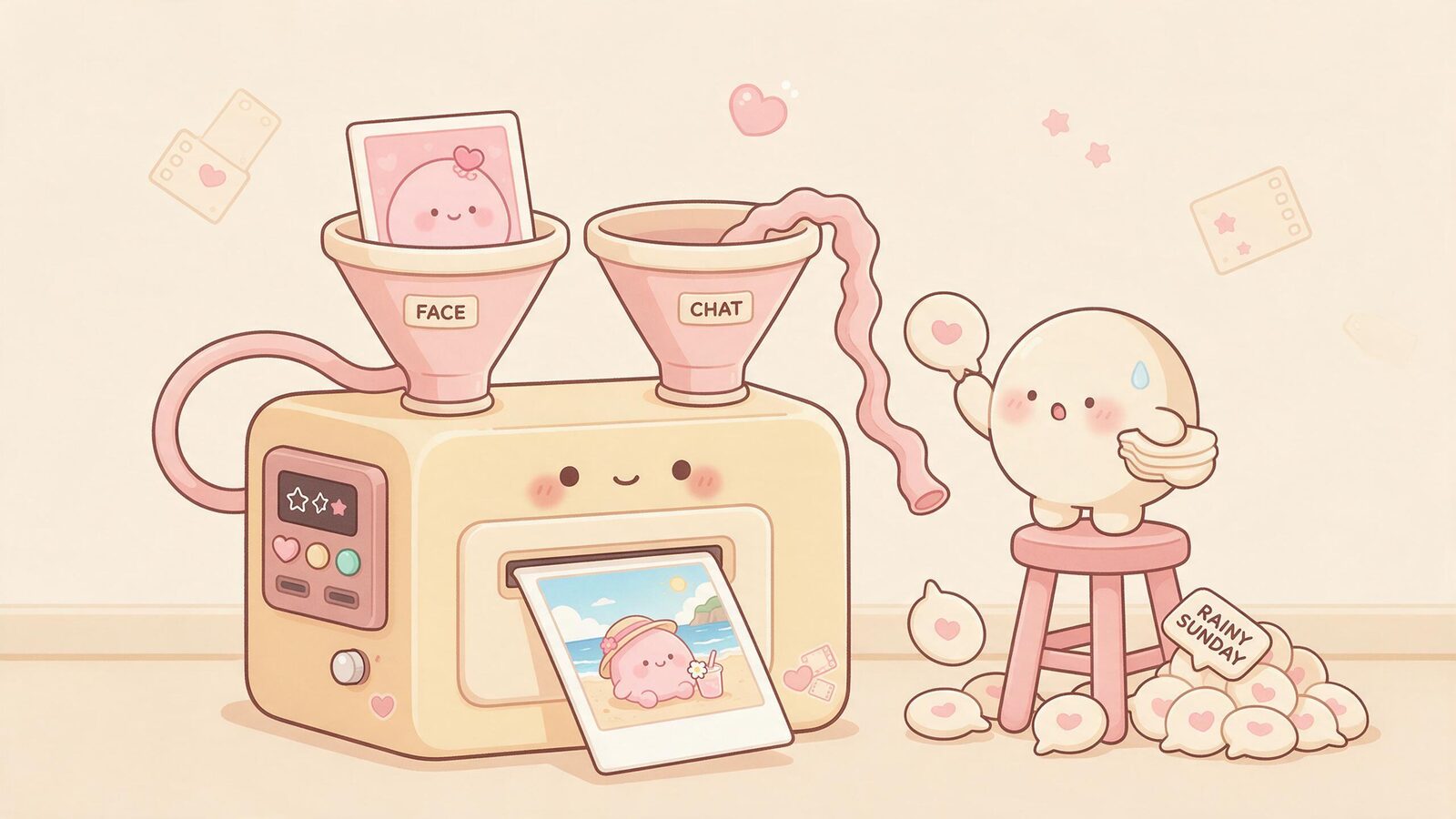
The Café Problem: Right Face, Wrong Place
Consider a hypothetical conversation where you and your companion have been talking for twenty minutes about a rainy Sunday. You mentioned staying in, the smell of coffee, the sound of rain on the window. The tone is quiet and domestic. Then a photo arrives.
She looks exactly right. Her face, her hair, the way she holds herself. But she is standing outdoors in direct sunlight, wearing a summer dress, with a clear blue sky behind her. Nothing in the image reflects what the conversation was about.
This is the café problem: the character showed up, but the scene did not. The photo is not wrong in any technical sense. It is wrong in a relational sense. It breaks the shared fiction you were building together.
The mismatch could arise during context selection, scene planning, or image generation. The output alone does not identify the failed step. For a reader, the actionable observation is simple: the scene does not meet the stated request.
What a Scene Brief Actually Contains
When a human photographer or illustrator takes a brief, they want to know more than who is in the shot. They want to know the full situational picture. The same is true for AI image generation: clear, relevant instructions make the requested scene easier to define and evaluate. More detail is not automatically better if the instructions conflict.
A complete scene brief for a companion photo has four components:
| Component | What it captures | Example |
|---|---|---|
| Who | Character identity, clothing, expression | Companion in her usual style, relaxed expression |
| Where | Location, setting, time of day, weather | Indoors, kitchen, morning, overcast light |
| What | Activity or pose | Sitting at a counter, holding a mug |
| Tone | Emotional register of the moment | Quiet, warm, a little sleepy |
A character reference can help specify “who.” The current setting and activity may come from conversation, a direct photo request, or structured story state. Check which details were actually established instead of inferring them from mood alone.
LoCoMo studies extended conversations, including event summaries and multimodal dialogue generation. It provides related context for continuity across exchanges. It does not establish how often companion photo scenes fail or validate Kissable’s media pipeline.
Explicit Details and Inferred Mood
“Indoors at a café, holding a blue mug” defines visible requirements. “Make it cozy” leaves more interpretation to the system. Neither is a bad request, but they need different evaluation standards.
Look at the whole setup when checking a mismatch. A setting established earlier may still apply, or a later message may have changed it. A reference to a red dress worn last week does not necessarily request that dress today. Clear time and scene boundaries help you distinguish a real contradiction from an assumption.
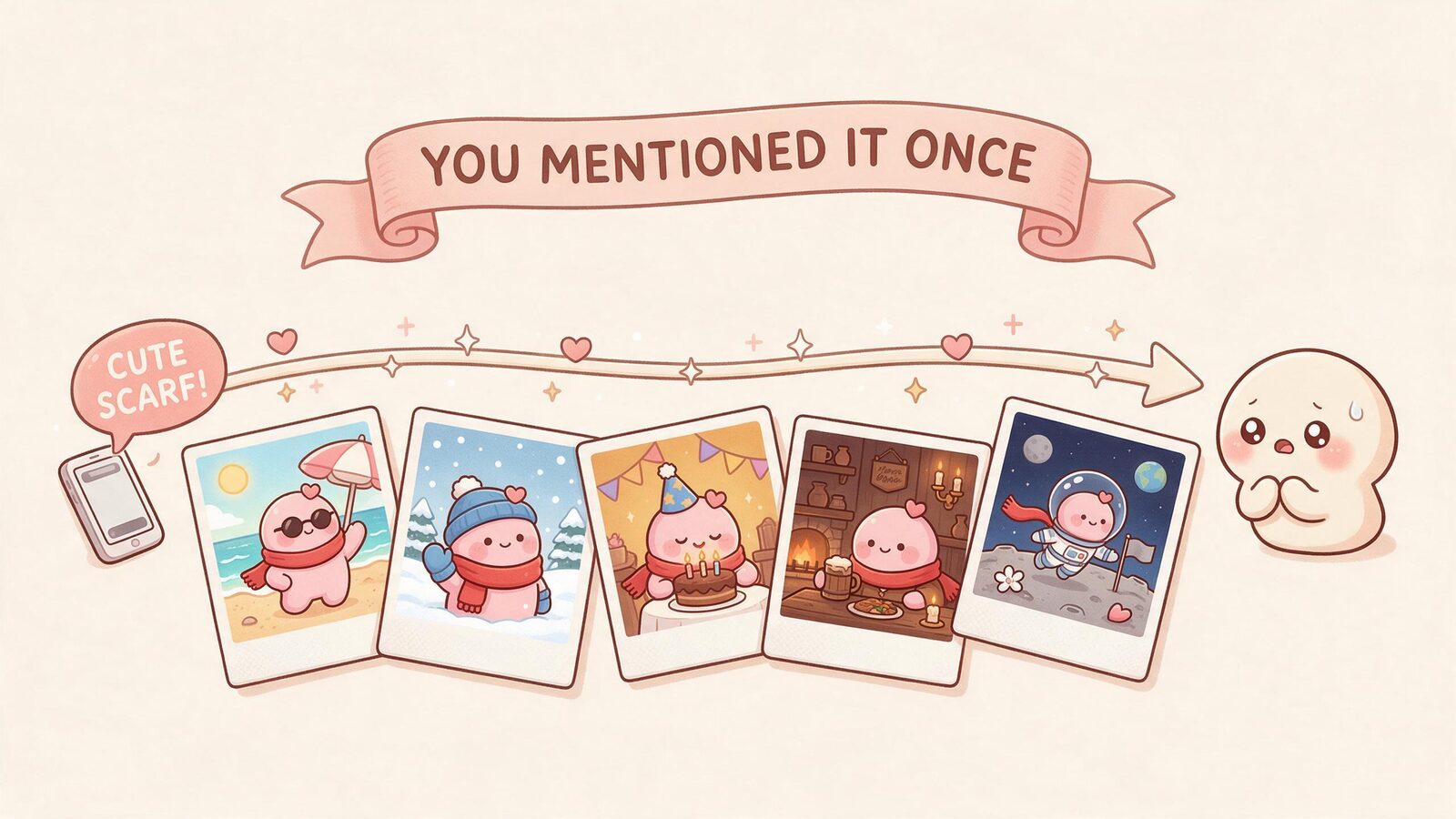
In Adventures or roleplay, record the current scene before requesting a photo. A medieval tavern and a modern rooftop are visibly different settings. A specific mismatch is easier to report than a general feeling that the picture missed the story.
A Practical Scene-Adherence Rubric
If you want to evaluate how well a companion app's photo generation follows conversational context, these are the questions worth asking. This rubric applies whether you are assessing a new app or reflecting on your current experience.
Does the photo reflect where the conversation was set? If you described a specific location, does the image show it, or does it default to a generic outdoor or studio setting?
Does the clothing match what was established? If your companion is dressed for a specific scenario, does the image reflect that, or does it revert to a default outfit?
Does the activity or pose fit the moment? A neutral pose may be fine unless another action was requested. Does the image show something that fits what was happening in the story?
Does the emotional tone carry through? If you requested a particular expression or mood, assess it separately from concrete facts such as location. Does the photo feel like it belongs to the emotional register of the exchange?
Is the scene consistent with earlier details in the session? If the setting was established ten messages ago and has not changed, does the photo still reflect it, or does it treat each image as a fresh start?
Record each requirement as met, missed, or unclear, and keep the original request alongside the result. There is no measured difficulty ranking here. This is a suggested rubric, not a report of tests we have run.
Make the Next Request Easier to Evaluate
A compact scene request can separate an ambiguous instruction from a repeated failure. For the hypothetical café scene, try: “A photo of your character sitting at our café table indoors, holding a blue mug, with rain visible through the window. Keep the green sweater established in the scene.”
That request gives you four concrete things to check: indoors, blue mug, rain through the window, green sweater. If the photo misses the sweater, record that specific miss. Do not treat the entire image as a success just because the face looks right, or as a failure because its composition differs from what you privately imagined.
Where the app supports it, keep the character and other settings unchanged between attempts. Change one scene requirement at a time. Check the generation cost before retrying and avoid turning a few selected outputs into a product-wide success rate.
Kissable offers generated photos using character references and conversational context, alongside voice messages, video clips, and Adventures. These capabilities do not guarantee that every remembered detail will appear in every image. Media uses Kisses; check the quote shown in the app before generating.
For related examples, read AI roleplay with images and voice messages and pictures.
Frequently Asked Questions
Why does my AI companion sometimes send photos that don't match what we were talking about?
An image may use selected context rather than the whole conversation, and it may still miss a detail supplied in its instructions. A mismatch can involve context selection, interpretation, or generation. You cannot identify the cause from the final image alone.
Does mentioning a location or activity in chat help the photo match the scene?
In many cases, yes. Explicit signals, like naming a location, describing what you are doing, or referencing the time of day, are easier for a system to extract and carry into an image prompt than implicit ones. If scene relevance matters to you, being specific in conversation tends to produce better results than relying on the system to infer the setting from tone alone.
Is a character reference the same as full context understanding?
No. A character reference encodes appearance: what the character looks like. It does not encode the current situation, the emotional register of the conversation, or the story details you have been building together. Context understanding requires reading the conversation, not just the character profile.
How does Kissable handle the connection between conversation and photos?
Kissable’s photo experience uses character references and conversation context. Treat that as an intended connection to evaluate, not a promise that every image follows every detail. Our picture-sending guide explains the broader experience.
Can I influence what scene appears in a photo?
Yes, through the conversation itself. Describing your current situation, mentioning where you are, or steering the story toward a specific setting gives the system more to work with. Some companion apps also allow direct requests for specific types of photos, which provides even more explicit scene direction.
The face is the entry point. The scene is the experience. Getting both right requires two different kinds of work, and recognizing that distinction is the first step toward understanding what you are actually asking for when you want a companion photo that feels like it belongs.
If you want to see how context-following works in practice, start a conversation with your companion and pay attention to where the photos land. The ones that feel right are the ones where the scene followed you into the moment.
Tech Reviewer
Marco tests AI companion apps hands-on, comparing features, pricing, and real day-to-day experience across every major platform.