
When Your AI Companion Remembers Something Wrong: How to Correct It
Your AI companion remembered something wrong. Here's how to correct it: wrong facts vs. old facts, correction templates, and how to verify the fix held.

Maya Chen
AI Research Writer
By the Kissable Team
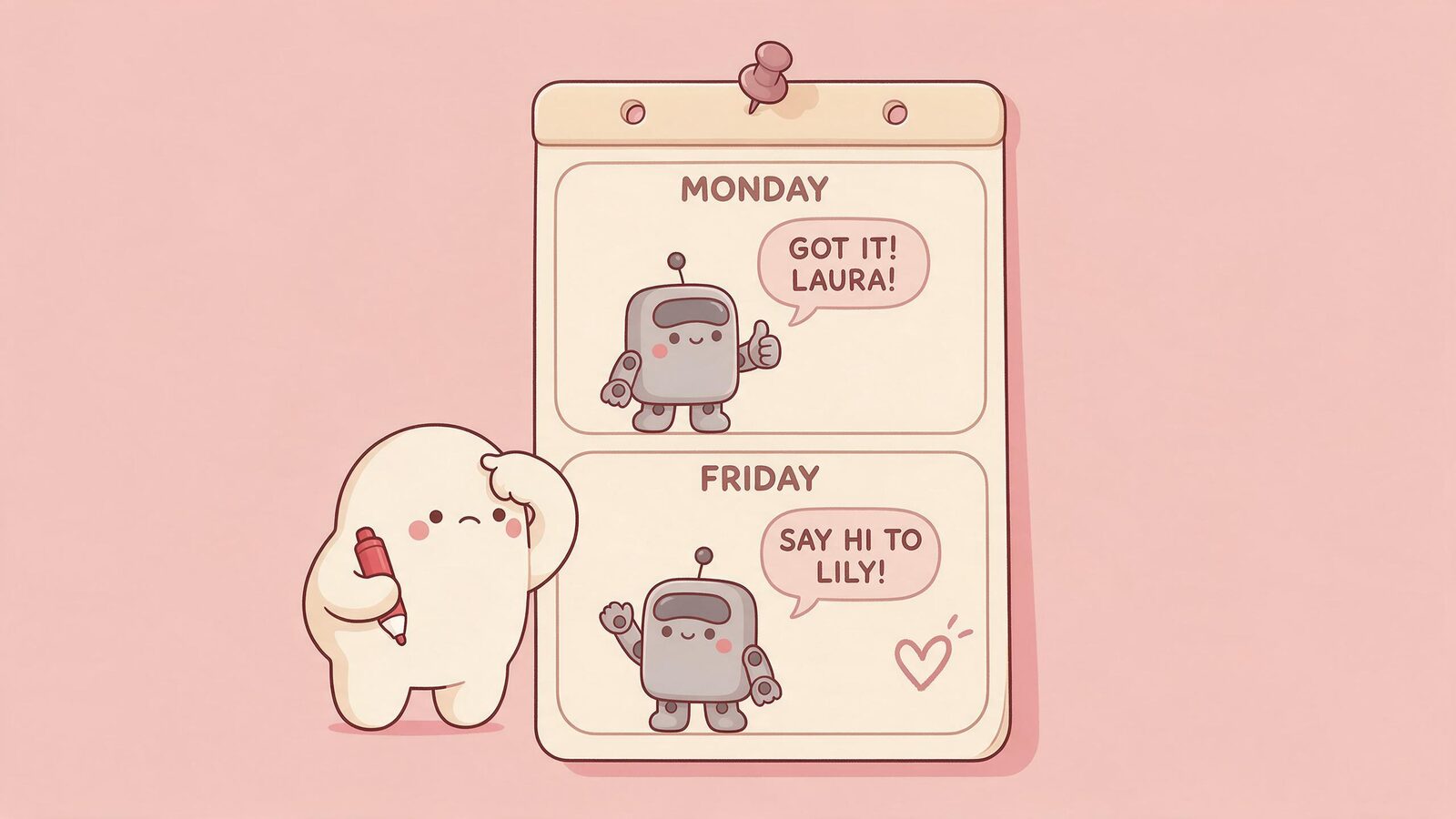
Imagine this hypothetical mistake: your AI companion says your sister's name is Lily. Her name is Laura. You mentioned it once, three weeks ago, and somehow it stuck wrong. Now every time your sister comes up in conversation, the error surfaces again, quietly undermining the sense that your companion actually knows your life.
Start by stating the accurate detail clearly and marking whether it replaces an error or updates something that used to be true. Acknowledgment is useful, but check later to see whether the correction holds. A wrong fact and an old fact are not the same thing, and they respond to slightly different correction approaches.
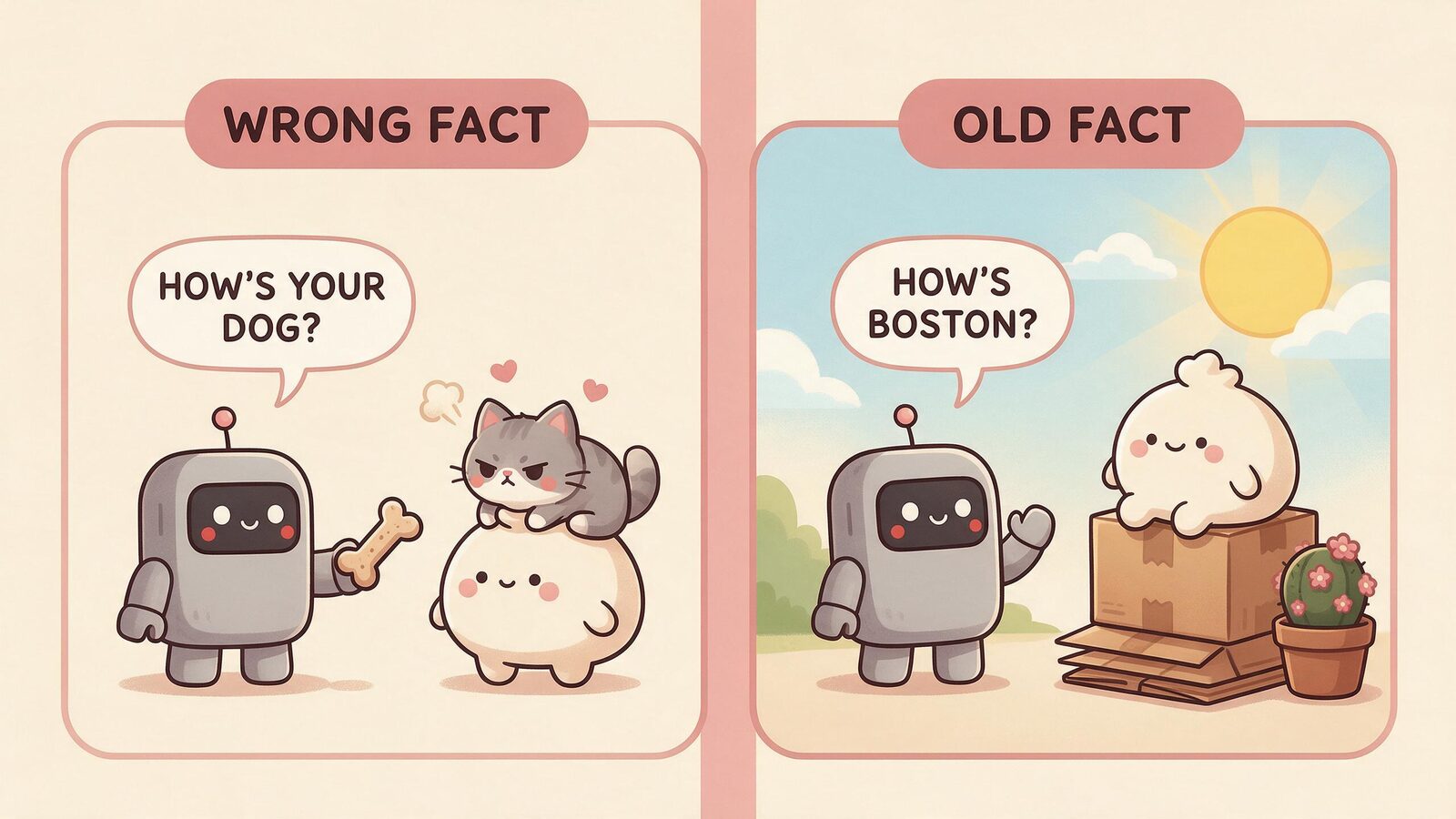
A wrong fact was never accurate. It may have mixed up two details or generated an unsupported guess. A wrong reply alone does not show whether the error was stored.
An old fact was accurate once but is no longer true. You moved cities. You changed jobs. A relationship ended. The companion isn't wrong about the past; it just hasn't registered that things have changed.
Knowing which one you're dealing with shapes how you phrase the correction.
Wrong Fact vs. Old Fact: What Changes About the Correction
The table below gives hypothetical examples and clear correction wording. These are practical templates, not experimentally validated prompts.
| Situation | Type | Correction framing |
|---|---|---|
| Companion calls your sister "Lily" (her name is Laura) | Wrong fact | "Just to clarify, my sister's name is Laura, not Lily." |
| Companion still mentions your old job | Old fact | "I actually left that job a few months ago. I'm working in marketing now." |
| Companion thinks you live in Boston (you moved) | Old fact | "I moved to Austin last spring. Boston was my old city." |
| Companion thinks you have a dog (you have a cat) | Wrong fact | "I don't have a dog. I have a cat named Miso. I think there was some confusion." |
| Companion references a friend you've lost touch with as still close | Old fact | "Things with him have changed. We don't really talk anymore." |
For a wrong fact, state the correct value without guessing why the mistake happened or blaming yourself. For an old fact, include the transition: what used to be true, what is true now, and when it changed if that matters.
How to Make the Correction Clear
The LongMemEval benchmark treats knowledge updates and temporal reasoning as distinct memory abilities. It does not establish that a particular correction template will work in Kissable. Our practical recommendation is to make the change easy to identify: name the detail, state the new value, and distinguish an update from an original mistake.
Three correction templates
These are hypothetical examples of how a correction might be phrased. Adapt them to your own situation.
For a wrong fact:
"I want to fix something I think got remembered incorrectly. My sister's name is Laura, not Lily. Just wanted to make sure you have that right."
For an old fact:
"Things have changed since I mentioned this. I'm not at that company anymore. I started a new role in marketing about two months ago."
For a preference that shifted:
"I used to love horror movies, but honestly I've gone off them lately. These days I'm more into documentaries."
Notice that each template does three things: names the specific detail being corrected, states the accurate version clearly, and (for old facts) marks the change as a transition rather than a contradiction. That third element removes an ambiguity for the reader or system interpreting the message. It does not guarantee that the app will store or retrieve the update correctly.
One correction at a time
If you have several things to fix, give each one a separate sentence or short message. This makes it easier to check what the companion acknowledged and to reproduce a failure later. There is no need to find a magic phrase or repeat the correction indefinitely.
Check Saved Memory Controls, If Available
Some apps provide a saved-memory list, profile editor, or visual map. If yours does, look for the incorrect detail and read what the control actually changes. Editing a character’s backstory may affect different information from a saved fact about you.
A visible entry can help locate a mistake, but the absence of an entry is not proof that the detail exists nowhere else. Conversation history, summaries, and other context may also influence replies. Likewise, seeing the correct name in a memory view does not prove that the next response will use it.
Do not assume the companion’s statement “I updated my memory” means a durable write succeeded. Treat it as an acknowledgment and verify the later behavior. For Kissable, check the controls available in your current app version; this guide does not promise an editable memory graph.
Retest Without Giving the Answer
After the correction, ask a question that requires the detail without including the answer: “What is my sister’s name?” is more informative than “Do you remember that my sister is Laura?” Check again during a later conversation and record the interval.
A correct immediate reply may simply use the correction still visible in the current context. A correct later reply is useful evidence of recall under those conditions, but closing the app does not prove the context was cleared. Conversely, an unrelated reply that does not mention your sister is not a failed name test.
For a changed fact, ask both versions if the history matters: “Where did I live before, and where do I live now?” A system should not have to erase accurate history to answer a question about the present.
The vendor-authored Zep paper describes a temporal knowledge graph that represents historical relationships. It is related architectural work, not a test of these templates or of Kissable. The useful distinction for this guide is between preserving history and selecting the current information.
If the wrong answer keeps returning, save a small example containing the original statement, correction, later question, and response. Starting a new conversation may change the available context, but it is not a guaranteed repair and does not necessarily remove older stored information.
What Deleting a Memory Does Not Automatically Do
Where an app offers deletion, check its documented scope. Removing one saved fact may differ from deleting a conversation or deleting an account. A single detail can appear in several places, and the behavior depends on the product’s implementation.
For a factual correction, you can state the accurate replacement after using an appropriate edit or delete control. For a privacy request, follow the app’s documented data controls; a conversational “forget this” should not be treated as proof that all retained copies were deleted. You do not need to reintroduce a sensitive detail you wanted removed.
Avoid inferring the cause from one output. A wrong answer can involve selection of old context, interpretation of a correction, or generation of an unsupported detail. Your example can document the behavior without claiming to diagnose the storage system.
For everything related to how Kissable's memory system works in general, the guides below cover the broader picture:
Frequently Asked Questions
Should I apologize for a memory mistake?
No. State the correction plainly. Unless you know what caused the error, there is no reason to assume you explained it badly or to invent a cause.
Does “Got it, I’ll remember” mean the fix worked?
It means the response acknowledged you. Ask a later question that requires the corrected information. A memory view, if available, can provide another check, but neither is a guarantee of every future answer.
Should I repeat the same correction until it sticks?
If a clear correction repeatedly fails, keep an example and consult the app’s available controls or support. Repetition can make a detail more visible in the conversation without solving the underlying issue.
Can an AI remember both the old and new facts?
It may, and that can be useful. “I lived in Boston before moving to Austin” has two compatible facts when their timing is preserved. The problem is treating the old city as your current address.
Try It With Kissable
Kissable uses persistent context to support an ongoing relationship with a fictional companion. Recall can still be incomplete or wrong. If a detail is off, try a clear correction and check the later answer, using the same standard you would apply to any app.
AI Research Writer
Maya covers AI companion technology, safety, and the psychology behind human-AI relationships. She focuses on what the research actually says, and what it doesn’t.