
Why Does Your AI Girlfriend Look Different in Every Photo?
Why can your AI girlfriend’s face change between photos? Learn how references, pose, and scene affect identity, and try a five-scene consistency checklist.

Marco Vega
Tech Reviewer
By the Kissable Team
An AI girlfriend’s face can change between generated photos because a new image is synthesized from the available instructions and references. A character reference helps guide appearance, but it does not guarantee an identical face in every pose, scene, or style.
Consider a hypothetical example: the same character appears with a different jaw shape in a new portrait. That is worth distinguishing from a normal change in expression or lighting. This guide explains what to compare and how to describe the mismatch clearly.
Consistency and Realism Are Separate Qualities
A photo can look convincing while depicting the wrong person. Another can preserve a recognizable face while having awkward lighting or an artificial-looking hand. Score identity and image quality separately when comparing results.
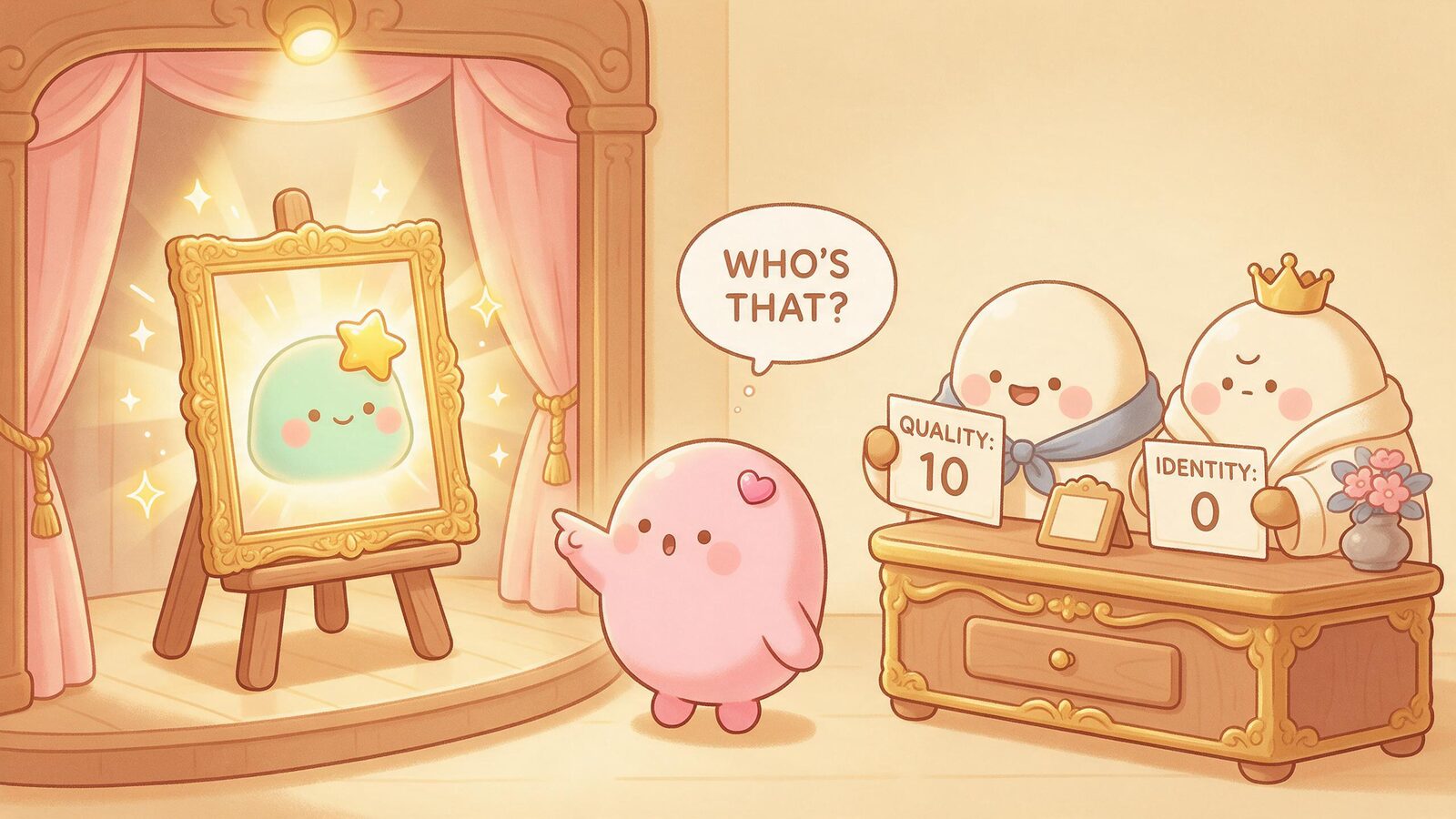
Generative systems can vary their outputs through sampling, inputs, and settings. The same prompt does not guarantee the same result; conversely, controlled inputs and settings can sometimes reproduce an output. Identity drift is not a necessary price of realism, nor proof that every system uses the same generation method.
DreamBooth is an example of research on preserving a subject across new contexts by fine-tuning with a few subject images. It illustrates the distinction between identifying a subject and placing it in a new scene. It is not evidence that Kissable uses DreamBooth or achieves a particular consistency rate.
What a Character Reference Does (and Does Not) Guarantee
A character reference supplies visual information about the intended appearance. Its influence depends on the model, the reference, and the generation path. Use the reference options the app actually supports and check how they apply to the photo mode you are using.
Details to compare against the reference
- Overall face shape and proportions
- Hair color, length, and general style
- Skin tone
- Distinctive features that appear clearly in the reference (a strong jawline, prominent cheekbones, a specific eye shape)
Conditions that can complicate the comparison
- Exact facial geometry at every angle the model has never seen in the reference
- Fine texture details (pore patterns, specific wrinkle lines) that vary with lighting
- Expression-driven shape changes (a wide smile changes face geometry in ways a neutral reference doesn't capture)
- Results when the reference photo itself is low-resolution, partially obscured, or taken in unusual lighting
A practical starting point: If reference uploads are available, try a clear image in ordinary lighting with the face unobscured. Change one input at a time so you can describe what changed. Better input clarity is useful, but a poor result is not automatically your fault.
If you want to explore how reference photos and photo features work together before committing, the AI girlfriend pictures guide covers the full picture-sending experience in detail.
A Five-Scene Check You Can Try
This is an unrun comparison worksheet, not a report of generated results. Keep the same character and supported reference settings. If you try it, record every result rather than keeping only the most flattering image.
| Requested scene | Identity details to inspect | Other changes to keep separate |
|---|---|---|
| Simple front-facing portrait | Face shape, distinctive features | Expression and crop |
| Three-quarter view | Whether features remain recognizable | Perspective and shadows |
| Full-body scene | Whether the visible face matches | Small face size and resolution |
| Different outfit, same setting | Whether a clothing change alters identity | Hair, accessories, and styling |
| A photo together | Whether both people stay distinct | Composition, occlusion, and identity blending |
For each image, record “recognizable,” “uncertain,” or “different identity,” with a short reason. Those are subjective observations, so do not convert five images into a claim about everyone’s results. A second reader can help identify where judgments differ.
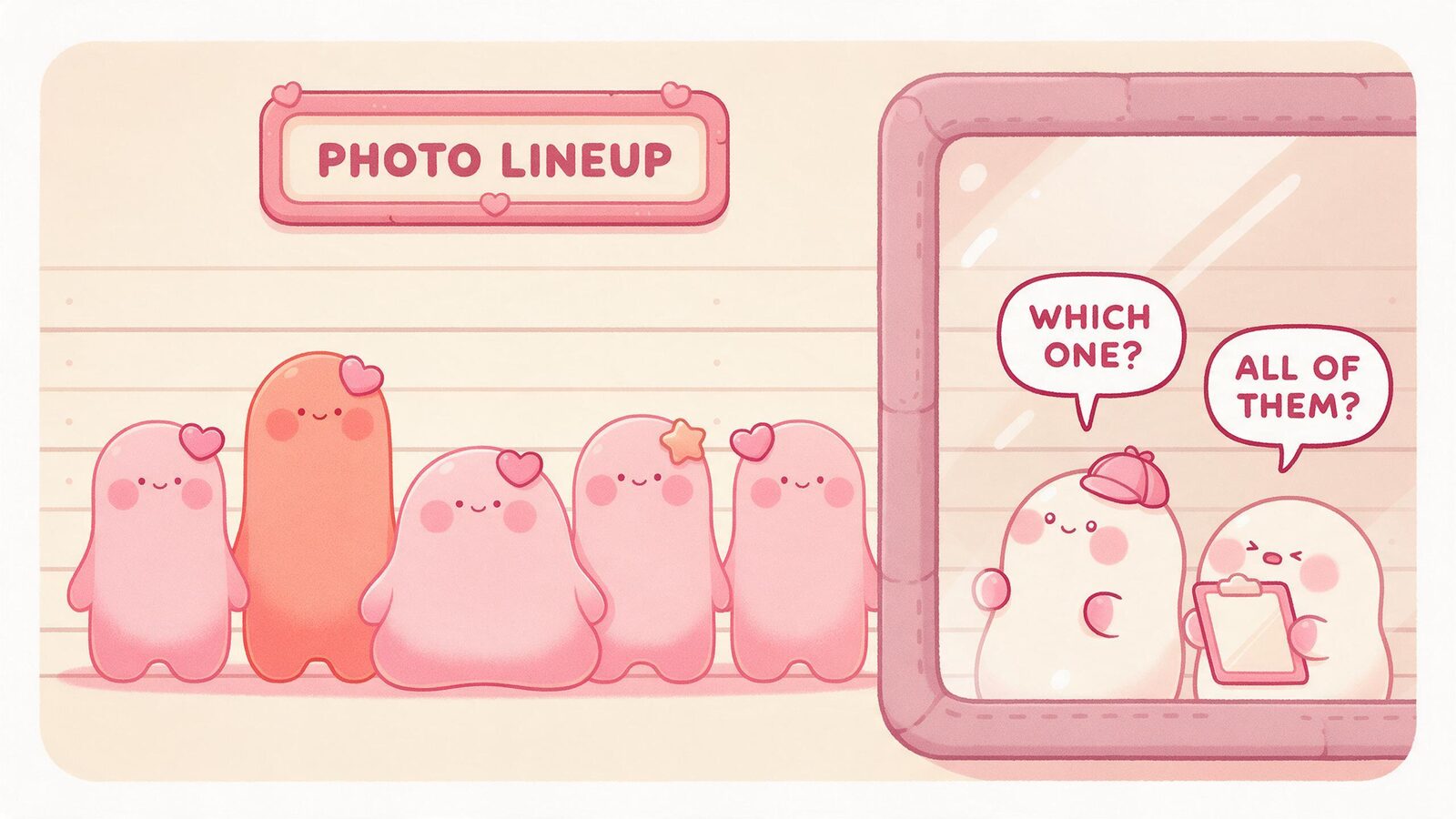
Together photos add another identity to preserve. Look for details migrating between subjects, one face becoming generic, or one person obscuring the other. Do not assume a particular failure rate without a real comparison.
What to Try When a Photo Looks Wrong
First identify the mismatch: a different face, a changed hairstyle, an unfamiliar style, or lighting that makes the same features look different. A concrete description is more useful than “make it better.”
If you are deliberately changing the whole scene, try a simpler scene for comparison. Where the app permits it, keep the reference and other settings constant. Check any displayed cost before generating again; a retry is another attempt, not a promised fix. Use the app’s available report or support option for a recurring issue.
Kissable offers generated companion photos using character references. Results can vary, and this guide does not promise that every photo mode preserves every detail. Photos and other generated media use Kisses, so check the current in-app quote and pricing information.
For a broader feature comparison, see AI girlfriend apps with pictures. For the two-person case, see photos of you and your companion together.
Frequently Asked Questions
Why does my companion's face look different in close-up photos versus full-body shots?
Close-up portraits show more facial detail, which makes small generation differences more visible. The crop can make a difference easier to notice, while pose, resolution, and the generated output may also change. Check visible features rather than assuming the crop is the only cause.
Does changing an outfit have to change the face?
No. Clothing and identity are different attributes. But keeping the same reference does not guarantee that a generated outfit change will preserve the face. Compare the actual result with the reference.
Why can a photo together be harder to judge?
There are two identities, their positions, and their interaction to assess. A face may also be smaller or partly hidden. Check each person separately before judging the overall scene.
Will my companion always look exactly the same as the reference photo I uploaded?
Not exactly. A reference guides the intended appearance, but the strength of that guidance varies by system and settings. But AI image generation is a synthesis process, not a copy operation. Some variation across photos is inherent to how the technology works, regardless of which platform you use.
Ready to see how it works in practice? Start a conversation with your companion on Kissable and request a photo to explore the experience firsthand.
Tech Reviewer
Marco tests AI companion apps hands-on, comparing features, pricing, and real day-to-day experience across every major platform.