
Build AI Adventures on Your Phone (2026 Guide)
Learn how to build AI adventures with NPCs, lore, and branching stories right from your phone. No desktop required: free on iOS and Android.

Marco Vega
Tech Reviewer
Quick answer: you can build complete AI adventures (NPCs, lorebook entries, branching narratives, AI-generated portraits, the whole thing) entirely from your phone. No desktop, no code, no API configuration. Download the app, open the creator, and start building. Full adventure creation takes 15-20 minutes. Here's how.
Here's an odd gap in the AI companion space: the platforms people actually use to build characters and stories are all desktop-first. Janitor AI's character creator lives in a browser. Kindroid's backstory editor is a web form. Character.ai's room builder requires a desktop for anything beyond basic chat. If you want to create, you need a laptop.
But the people who play AI adventures are on their phones. The commute crowd. The late-night-in-bed crowd. The "I had an idea and I want to build it right now" crowd. Desktop-only creation means those ideas wait until you're at a computer, and often, they never get built at all.
A mobile-first creator changes that. Kissable built its entire scenario creator to run natively on your phone, so the idea you had on the train can become a published adventure before you even get home. Here's what it looks like to build an entire adventure from your phone, and why the platform you're using probably can't do it.
What Mobile Creation Actually Looks Like
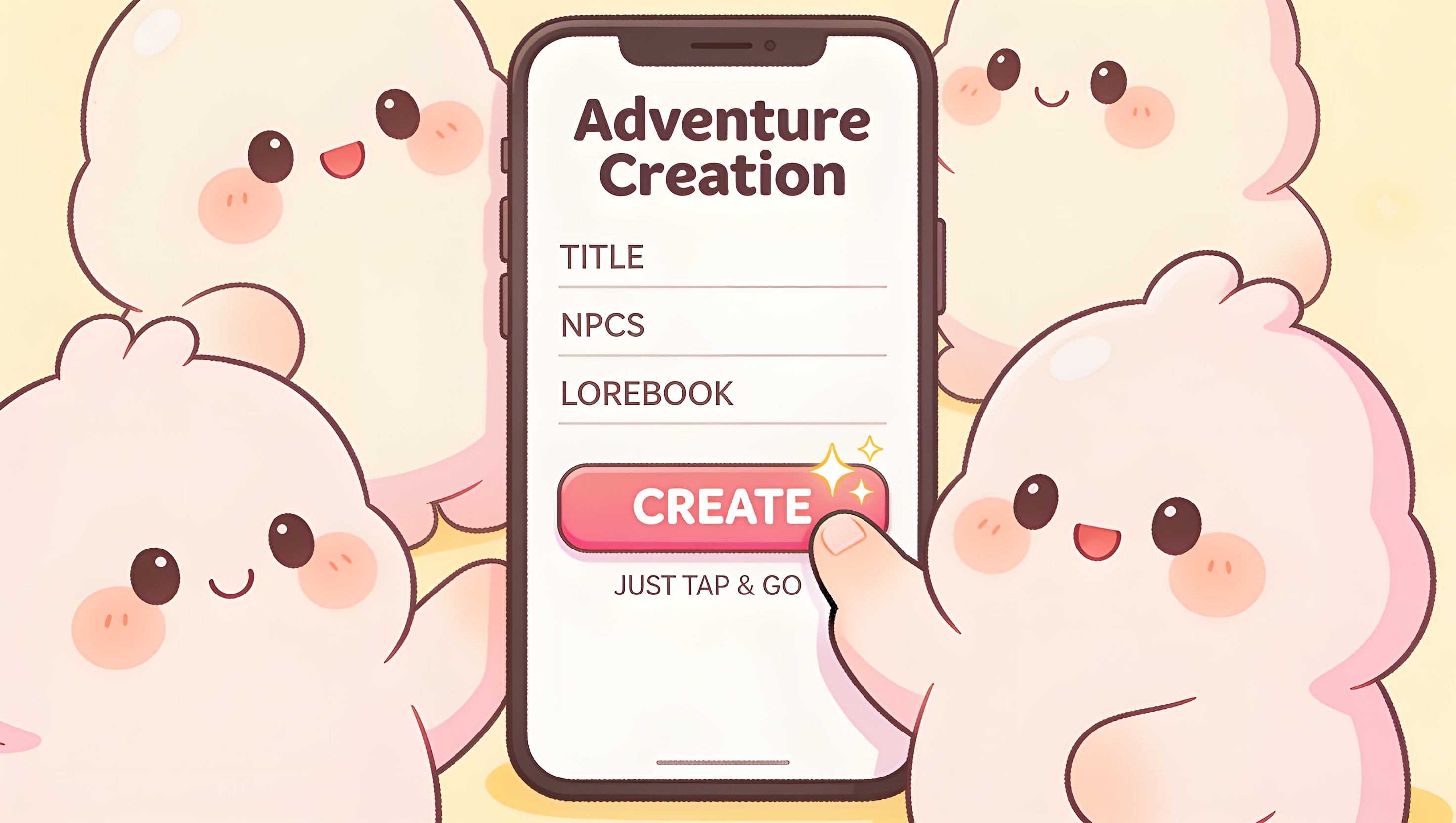
The scenario creator is a native form, not a web page squeezed into a phone screen. Every field is designed for touch: dropdown selectors for category and mood, text inputs optimized for phone keyboards, sliders for NPC talkativeness, toggles for community visibility.
The full creation flow from a phone:
- Open the app. Scenarios tab. Tap "Create."
- Name your adventure. Title, tagline, description. Three fields, thumb-typed in under a minute.
- Pick category and mood. Two dropdowns. Instant.
- Write the setting. A text field. Be specific: the AI works better with details.
- Add NPCs. Tap "Add Character." Name, role, personality, speaking style, example dialogue, talkativeness slider. Repeat for up to 6 characters. Each NPC gets an AI-generated portrait: free, automatic, fire-and-forget.
- Build the lorebook. Tap "Add Entry." Title + content. Toggle always-active if it's a core world rule. Repeat for up to 20 entries.
- Set the goal and companion opener. Two text fields. The opener is optional: leave it blank and the AI generates one based on your setting and mood.
- Add special instructions. Director's notes for the AI. Freeform.
- Toggle public. One switch if you want the community to find it.
- Tap create. Cover art and NPC portraits generate automatically. Your adventure is live.
Total time: 15-20 minutes for a simple adventure, maybe an hour for something with 6 NPCs and a full 20-entry lorebook. All from your phone, no keyboard shortcuts, no tab-switching, no "I'll do it when I get home."
Mobile Creation vs Desktop Creation
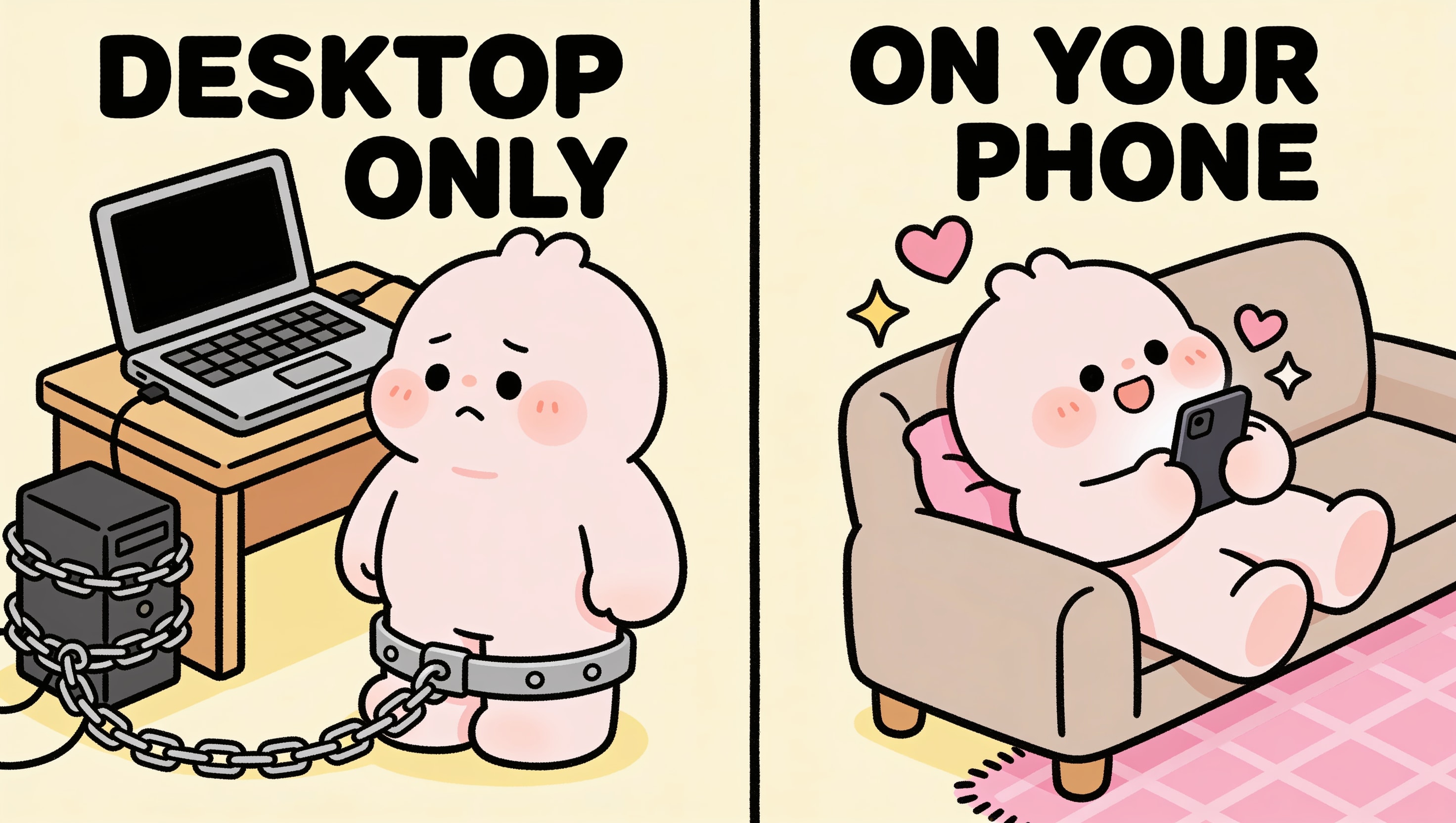
| What you need | Desktop-first platforms (Janitor, Character.ai, Kindroid) | Mobile-first (Kissable) |
|---|---|---|
| Device | Laptop or desktop | Phone (iOS or Android) |
| Character creation | Browser form | Native form, touch-optimized |
| NPC portraits | Upload from files or generate separately | Auto-generated on-device, free |
| Cover art | Upload or generate separately | Auto-generated, fire-and-forget |
| Publish | Desktop only | One tap from phone |
| Edit | Desktop only | Native editor on phone |
| Playtest | Browser or app (read-only) | Create + playtest on same device |
| API setup | Required (Janitor) | None: everything runs on the platform |
Why Mobile-First Matters for Creators
Ideas don't wait for desktops. The best character ideas, plot twists, and NPC concepts arrive at inconvenient times: on the train, in bed, during a lunch break. If creation requires a laptop, most of those ideas die before they reach a keyboard. A phone in your pocket means you can capture the idea while it's hot.
Playtesting is instant. Build an adventure and immediately play through it on the same device. Switch between creator mode and player mode in seconds. Found a lorebook entry that doesn't fire? Edit it. NPC too quiet? Bump their talkativeness. Desktop workflows require switching devices or tabs, which adds friction to every iteration.
The audience is on mobile. The AI companion space is overwhelmingly mobile. People chat with their companions on their phones. They scroll community libraries on their phones. A creator tool that only works on desktop is building for a platform the actual users aren't on.
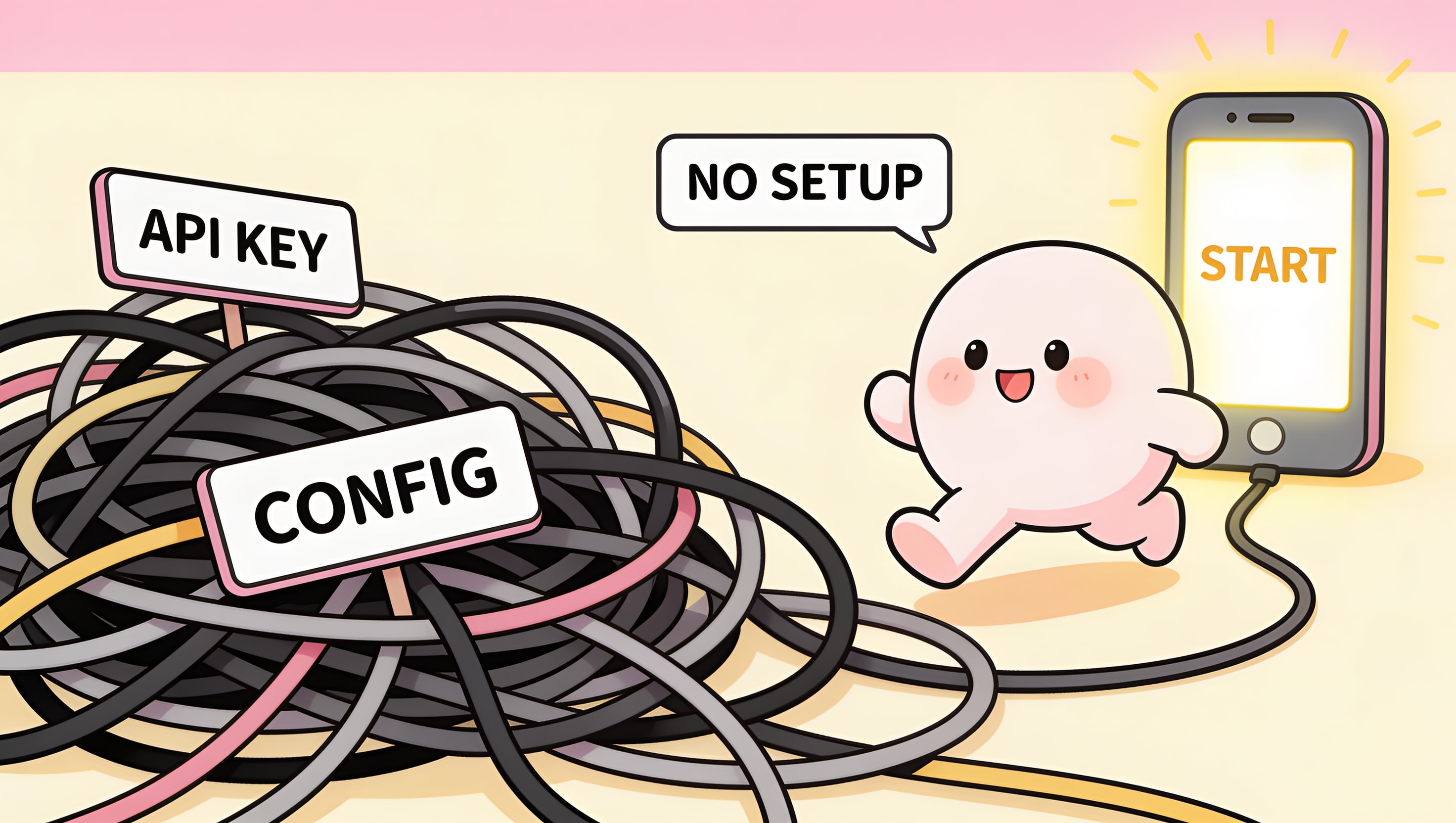
No technical overhead. Janitor AI requires API key configuration. Kindroid requires a web browser. Kissable's creator is just a tab in the app: no setup, no configuration, no "sign up for a separate service." Download, open, create.
What You Can Build From Your Phone
The mobile creator has the same capabilities as the desktop version. Nothing is gated:
- Full NPC system: up to 6 characters with AI-generated portraits
- Full lorebook: up to 20 entries with semantic retrieval, keyword fallback, and recursive activation
- Community publishing: browse, like, comment, and featured carousel
- 20 built-in templates: study and remix professionally designed adventures
- Cross-adventure memory: completion highlights feed into main relationship memory
The only thing desktop platforms offer that mobile doesn't is a bigger screen. And for text entry (which is 90% of adventure creation) a phone keyboard with predictive text and swipe typing is often faster than a physical keyboard.
FAQ
Can I really build a full AI adventure on my phone?
Yes: NPCs, lorebook entries, branching narratives, AI-generated portraits, and cover art, all from a native mobile creator. Nothing is gated to desktop. A simple adventure takes 15-20 minutes; an elaborate one with 6 NPCs and a full 20-entry lorebook takes about an hour.
Do I need a desktop or laptop to create scenarios?
No. The creator is a native form built for touch, not a web page squeezed onto a small screen. You build, edit, playtest, and publish entirely from your phone: no laptop, no browser, no API configuration.
Does it work on both iOS and Android?
Yes. The scenario creator and player are fully functional on both iOS and Android. You can build on one device and play on another, since everything syncs to your account.
How long does it take to create an AI adventure on mobile?
About 15-20 minutes for a simple adventure and up to an hour for something elaborate with the full 6-NPC cast and a 20-entry lorebook. Because you can playtest on the same device, iterating (bumping an NPC's talkativeness, fixing a lorebook entry that won't fire) takes seconds.
Is mobile creation as powerful as desktop?
It's identical. The mobile creator has every capability: the full NPC system, the full lorebook with semantic retrieval and recursive activation, community publishing, the 20 built-in templates, and cross-adventure memory. The only thing a desktop adds is a bigger screen.
Related Articles
- How to Create AI Adventures: The Complete Guide
- How to Create NPCs for AI Roleplay
- AI Lorebook Guide: How to Build Worlds Your AI Actually Remembers
- How to Share and Publish AI Scenarios
Build your first adventure from your phone in 15 minutes: start creating free.
Tech Reviewer
Marco tests AI companion apps hands-on, comparing features, pricing, and real day-to-day experience across every major platform.