
How to Create AI Adventures: The Complete Guide (2026)
Learn how to create AI adventures with multiple NPCs, persistent world lore, and branching stories (on phone or desktop). Free step-by-step guide.

Marco Vega
Tech Reviewer
Quick verdict: you've probably spent hours crafting the perfect AI character card: the backstory, the speech patterns, the example dialogues. And then you hit the ceiling. One character. One chat box. No world around them. No other people. No sense that anything you built actually persists. There's a better way to do this, and it's called scenario creation: building full interactive adventures with NPCs, lorebooks, branching narratives, and community sharing. Here's how it works, and how to build your first one.
If you've ever made a bot on Janitor AI or written a backstory on Kindroid, you already know the basics of AI character creation. You know how to give a character personality, how to set up a scenario, how to write an opening message that sets the tone. You've probably got dozens of character ideas sitting in your head.
And you've also hit the wall that every character creator eventually hits: a single character in a single chat box can only go so far.
There's no world around them. No other characters to interact with. No lore that stays persistent when the context window rolls over. No visual atmosphere. No goal to work toward. Just the same conversation, looping forever, with a character who forgets everything after 30 messages unless you keep re-pasting the prompt.
The people who love building chatbots aren't just looking for better chat: they're looking for better worlds to build. That's what scenario creation is for, and that's what most AI companion platforms don't offer. Kissable was built around it, so the rest of this guide uses its scenario creator to show exactly how the pieces fit together.
What an AI Adventure Actually Is (vs a Character Card)
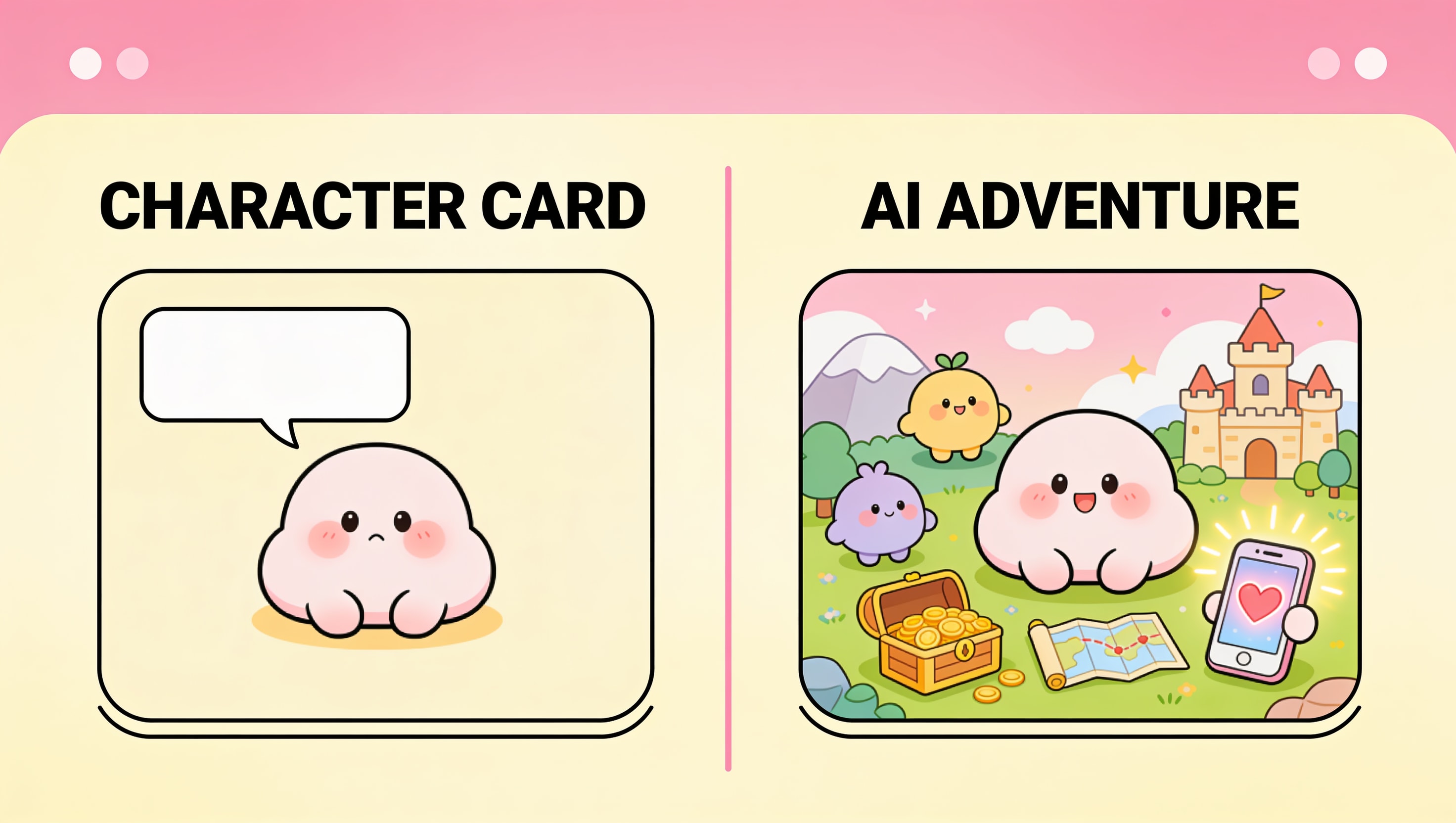
A character card (what you build on Janitor AI, Character.ai, or Kindroid) is essentially a personality profile. You define who the character is, how they talk, and what scenario they're in. The AI uses that as a reference to roleplay as that character.
An AI adventure goes further. It's a structured interactive story with:
- Multiple NPCs: supporting characters with their own personalities, speaking styles, and AI-generated portraits. They talk to you, to each other, and to your companion. The dialogue segments actually show who's speaking.
- Persistent world lore: a lorebook of facts about the world that the AI retrieves intelligently. If you mention the cursed amulet from Act 1, the AI pulls up everything it knows about that amulet (its origin, its powers, who's hunting for it) without you having to remind it.
- Branching narrative paths: not hardcoded choose-your-own-adventure branches, but LLM-driven arcs with decision points, twists, and multiple possible endings. The story adapts to your choices, not a script.
- Atmospheric visuals: AI-generated background art that appears during key narrative moments, plus character portraits for every NPC.
- A goal: something to work toward, a reason the story has momentum.
- Completion: the adventure ends. You get a summary of what happened, the key decisions you made, and 3-5 highlights that feed back into your main relationship memory so your companion can reference the adventure later.
The difference is the difference between building a chatbot and building a game level.
The Scenario Creator: What You Actually Build With
Here's the creation form: the same tool you'd use to build any adventure. Every field has a purpose, and together they give the AI everything it needs to run a coherent, immersive story.
Title, Tagline, and Description
These set the hook. The title is what people see when browsing the community library. The tagline is a one-line pitch. The description is the back-of-the-book summary: 300 characters to sell someone on playing your adventure.
Category and Mood
Six categories: romantic, adventure, fantasy, mystery, chill, spicy. Seven moods: warm, thrilling, playful, intimate, eerie, cozy, intense. These don't just organize your adventure in the library; they feed into the AI's tone instructions. A "mystery + eerie" adventure gets very different AI behavior than a "romantic + warm" one.
Setting
Where the story takes place. Freeform, but specific is better. "A crumbling Victorian mansion on a cliff overlooking a stormy sea, 1890s" gives the AI more to work with than "a house."
Supporting Characters (Up to 6)
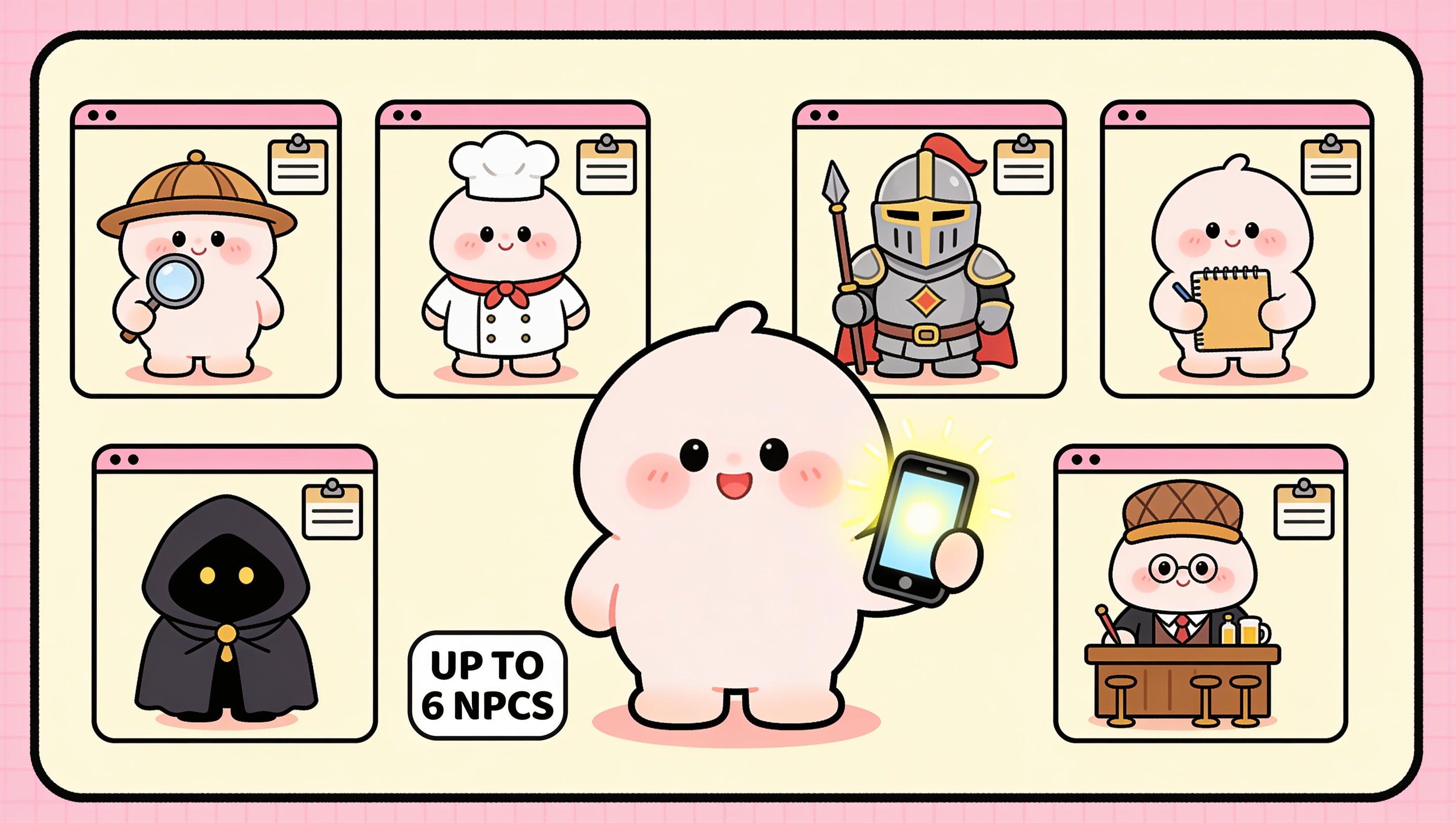
This is where the adventure comes alive. Each NPC gets:
- Name and role: who they are in the story (the detective, the rival, the informant)
- Personality: traits, motivations, flaws
- Speaking style: formal, casual, clipped, verbose, uses certain phrases
- Example dialogue: a line in their voice so the AI has a sample to match
- Talkativeness (0-100): a bartender who only speaks when spoken to (20) vs a chatty best friend who never shuts up (85)
The AI generates a portrait for each NPC (free during creation) so every character has a face. In gameplay, their portrait appears next to their dialogue with a speaker label. You can instantly tell who's talking.
Lorebook Entries (Up to 20)
The lorebook is the secret weapon. Each entry is a title + content block: a piece of world information the AI can retrieve when it's relevant.
Entries can be:
- Always-active: injected into every message (the core world rules, the companion's backstory, the central mystery). Cap of 600 tokens total.
- Semantically-activated: triggered when the conversation mentions something related. If someone brings up "the Veil" and you have a lorebook entry titled "The Veil," the AI pulls it in automatically.
The retrieval is smart. It uses embedding similarity (cosine similarity ≥ 0.30) combined with keyword matching, and activated entries can chain-reference other entries one level deep. The AI doesn't just see "Veil = magic barrier": it sees "Veil = magic barrier → created by the Council of Seven → Council collapsed after the Betrayal." One mention unlocks a web of context.
Goal
What does "winning" look like? Solve the murder. Escape the island. Win the heist. Confess your feelings before the train leaves the station. A goal gives the AI a destination: it knows where the story is heading, which means it can build toward it organically instead of wandering.
Companion Opener
The first thing your companion says when the adventure starts. Optional: if you leave it blank, the AI generates one dynamically based on the setting and mood. But writing your own gives you control over the exact tone of the opening moment.
Special Instructions
Freeform notes to the AI about how to run the adventure. "The detective should never directly accuse anyone until the third act." "The ghost can only communicate through writing, never speech." "Maintain a sense of mounting dread throughout." These aren't visible to the player: they're director's notes for the AI.
What Happens During Gameplay
Once someone starts your adventure, the AI takes over as game master:
Narrator messages appear in a styled, centered format with atmospheric background art generated dynamically. These set the scene at key moments: arriving at a new location, a major revelation, the climax. About 30% of major narrative beats get background images.
NPC dialogue appears with character portraits and speaker labels. Multiple characters can speak in sequence, and the AI tracks who knows what. A character who left the scene in Act 1 won't suddenly know what happened while they were gone.
Your companion participates as a character in the story with you, not just as the narrator, but as a co-protagonist with their own role, reactions, and arc.
Memory is rolling and permanent. Every 10 messages, the AI compresses the narrative so far into a rolling summary: character states, key decisions, image descriptions. When the adventure ends, 3-5 highlight facts get extracted into your main relationship memory. Your companion can reference the adventure weeks later in normal conversation. "Remember the time we solved that murder at the manor? You figured out the poison before I did."
After Creation: The Community Layer
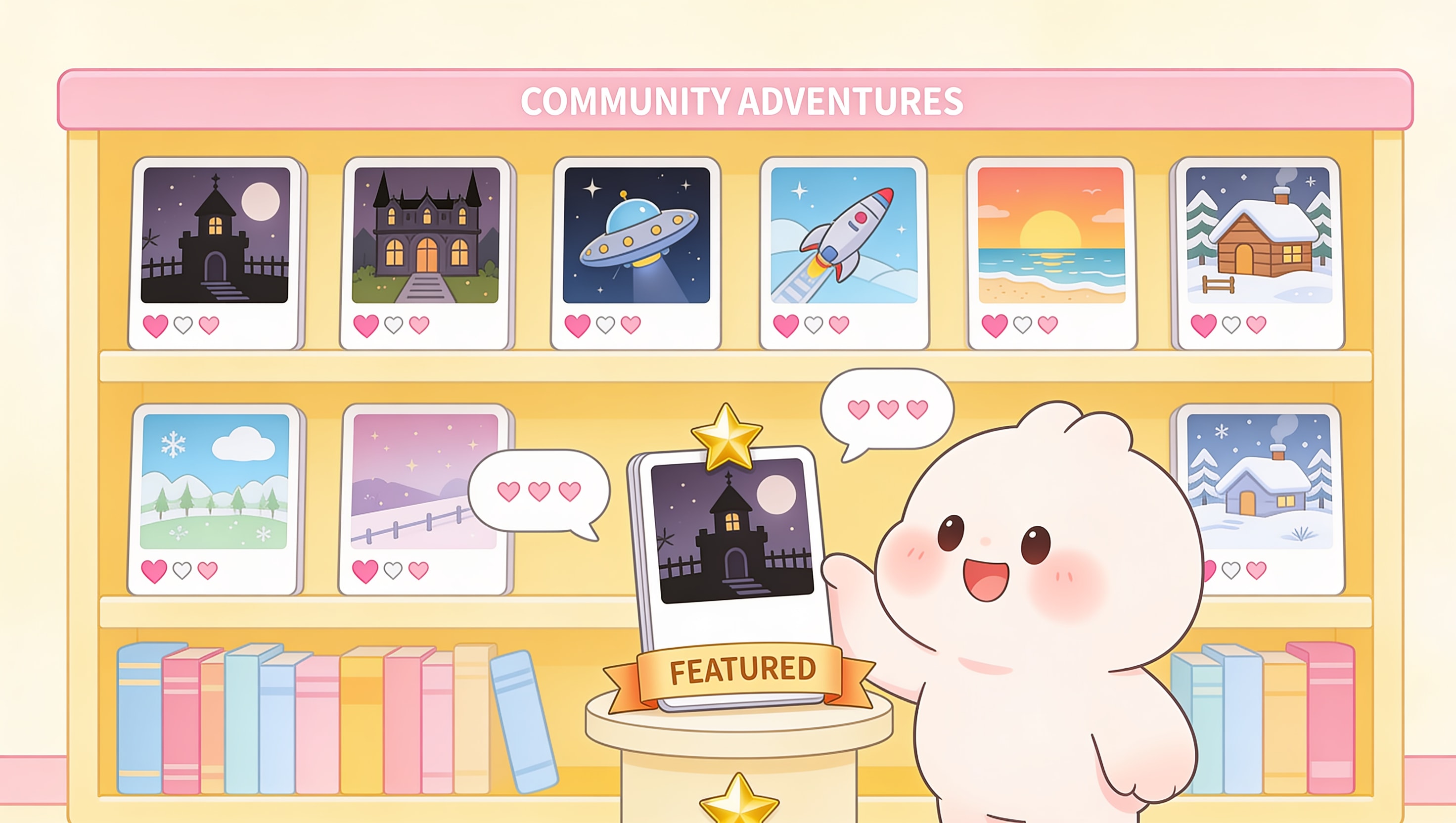
Your adventure doesn't have to stay private.
Toggle it public and it appears in the community library: browsable by category and mood, sortable by popularity, recency, and rating. Other users can play it with their own companions. They can like it, comment on it, and share it.
If your adventure takes off, it gets featured in the trending carousel alongside the built-in scenarios. The 20 built-in adventures serve as templates you can study: each one shows how the pros structure NPCs, lorebook entries, and narrative arcs.
There's no AI companion platform that offers anything like this. Janitor AI and Character.ai let you publish character cards. That's a profile. This is a playable world.
Why This Matters If You're a Character Creator
If you've spent hours on Janitor AI crafting the perfect character profile (the personality section, the example dialogues, the opening scenario), you already have the skills. You know how to write for an LLM. You know how to give it constraints and creative freedom at the same time.
The scenario creator is the same muscle, but the output is bigger. Instead of one character card that gets lost in a sea of thousands, you build something that:
- Has visual identity (AI-generated portraits and backgrounds)
- Has replayability (different choices lead to different outcomes)
- Has social proof (likes, comments, featured status)
- Actually grows your companion relationship (completion highlights feed into memory)
The tools you're using now cap out at a single chat box. The scenario creator in Kissable starts where they leave off.
How Kissable Compares to What You're Using Now
| What you can do | Janitor AI / Character.ai | Kindroid | Kissable Scenarios |
|---|---|---|---|
| Single-character chat | Yes | Yes | Yes |
| Multiple NPCs in one story | No (Rooms mode, but no structured narrative) | No (group chat, no lorebook) | Up to 6, with AI portraits, speaking styles, talkativeness |
| Persistent world lore | No | Journal entries (manual triggers) | Lorebook with semantic RAG + keyword fallback + recursive activation |
| Branching narrative arcs | No | No | LLM-driven arcs with decision points and multiple endings |
| AI-generated background art | No | No | Dynamic atmosphere images during key narrative moments |
| Structured goals | No | No | Goal description + win condition tracking |
| Cross-adventure memory | No | No | Completion digest extracts into main relationship memory |
| Community publishing | Character cards only | Backstories (shareable links) | Full adventure publishing with likes, comments, featured carousel |
| Mobile creator | Browser only | App + web | Create AND play on your phone |
| Built-in templates | Thousands of user-made characters | No built-in templates | 20 professionally designed adventures to study or remix |
How to Build Your First Adventure (Step by Step)
- Start with the hook. What's the one-sentence premise? "You're snowed in at a remote cabin with your companion and three strangers: one of them is lying about who they are." That's the seed.
- Define the NPCs. Who are the other people in the story? Give each one a name, a role, a personality, and a reason they're here. "Lena, a travel journalist who asks too many questions. Marcus, a quiet man who says he's on a hiking trip but won't show anyone his backpack." The AI needs enough to differentiate them.
- Write the lorebook. What does the AI need to know about the world? The cabin's history. The storm outside. The secret one character is hiding. Each entry is a single piece of information: keep them atomic so the retrieval system can pull exactly what's relevant.
- Set the goal. What's the win condition? "Discover who's lying before the storm clears." The AI uses this to build tension and pace reveals.
- Write the companion opener. The first line your companion says. Make it specific to the setting and their personality. A playful companion might say "Well, this is cozy. Pity about the potential murderer." A protective one might say "Stay close to me tonight. I don't trust the quiet one."
- Add special instructions. Your director's notes. "The liar should deflect suspicion onto others. The truth should only become clear in the final act. The storm should worsen whenever tension rises."
- Publish. Hit create, and the AI generates NPC portraits and cover art automatically. Toggle public if you want others to play it.
The whole process takes about 15-20 minutes for a simple adventure, maybe an hour for something elaborate with 6 NPCs and a full lorebook. And you can do it from your phone.
Ready to Build Something Bigger Than a Character Card?
If you've got a folder full of character ideas and you're tired of watching them dissolve after 30 messages in a single chat box, the scenario creator is where those ideas get to actually live. NPCs, lore, branching paths, visuals, goals, community: all the things that turn a chatbot into a world.
Start building your first adventure: try [Kissable free](/go/app?ref=blog_how-to-create-ai-adventures), no card needed. The 20 built-in scenarios are right there to play, study, and remix. When you're ready to create your own, the creator is a tap away.
FAQ
Do I need to know how to code to create an AI adventure?
No. The scenario creator is a form, not a code editor. You fill in fields (title, description, characters, lorebook entries) and the AI handles everything else. If you've ever written a character backstory for Janitor AI or Kindroid, you already have the skills.
How many NPCs can I add?
Up to 6 supporting characters per adventure. Each gets a name, role, personality, speaking style, example dialogue, and AI-generated portrait.
Can I make NSFW adventures?
Yes. Scenarios follow the same content policy as the rest of the app: unfiltered adult content is allowed within the intimacy system. Adventures tagged as "spicy" are treated accordingly.
Do my adventures work on mobile?
Yes. The scenario creator and player are fully functional on iOS and Android. You can build, edit, and play adventures entirely from your phone (no desktop required).
What happens when an adventure ends?
You get a completion summary: mood, highlights, key decisions, message count, and duration. The AI extracts 3-5 memorable facts into your main relationship memory, so your companion can reference the adventure in normal conversation later. The adventure remains in your library: you can replay it anytime.
Can I edit an adventure after publishing it?
Not currently. Once published, the structure is locked to preserve the experience for players who've already started. You can create a new version with changes.
Can other people play my adventures?
Yes. Toggle your adventure to public and it appears in the community library for anyone to play with their own companion. They can like, comment, and share it. Popular adventures get featured in the trending carousel.
How does the lorebook actually work?
The lorebook uses semantic search to match conversation topics to world information. When someone mentions something related to a lorebook entry, the AI retrieves it automatically and uses it to inform the response. Entries can be set to "always active" (injected every message) or "semantic" (triggered by relevance). The system uses the same embedding pipeline as the main memory system, so there's zero additional API cost for retrieval.
Related Articles
- How to Create NPCs for AI Roleplay: Multiple Characters That Actually Feel Different
- AI Lorebook Guide: How to Build Worlds Your AI Actually Remembers
- How to Share and Publish AI Scenarios: Community Adventures
- Build AI Adventures on Your Phone: Mobile Scenario Creator Guide
- Best AI Girlfriend Prompts and How to Write Them
- How to Make Your AI Girlfriend Remember Things
- Best Character AI Alternatives in 2026
Test a platform where your character ideas become full interactive adventures with NPCs, lore, and visuals: start your free trial.
Tech Reviewer
Marco tests AI companion apps hands-on, comparing features, pricing, and real day-to-day experience across every major platform.